After Stripe checkout you land on your own access page with every file. Each download link works for 7 days; open the page again for fresh links. Lost it? Recover it with your Stripe receipt.
Buy opens Stripe's secure checkout. We never see your card details.
Open your access page
You land on it right after checkout, with every file.
Start at the beginning
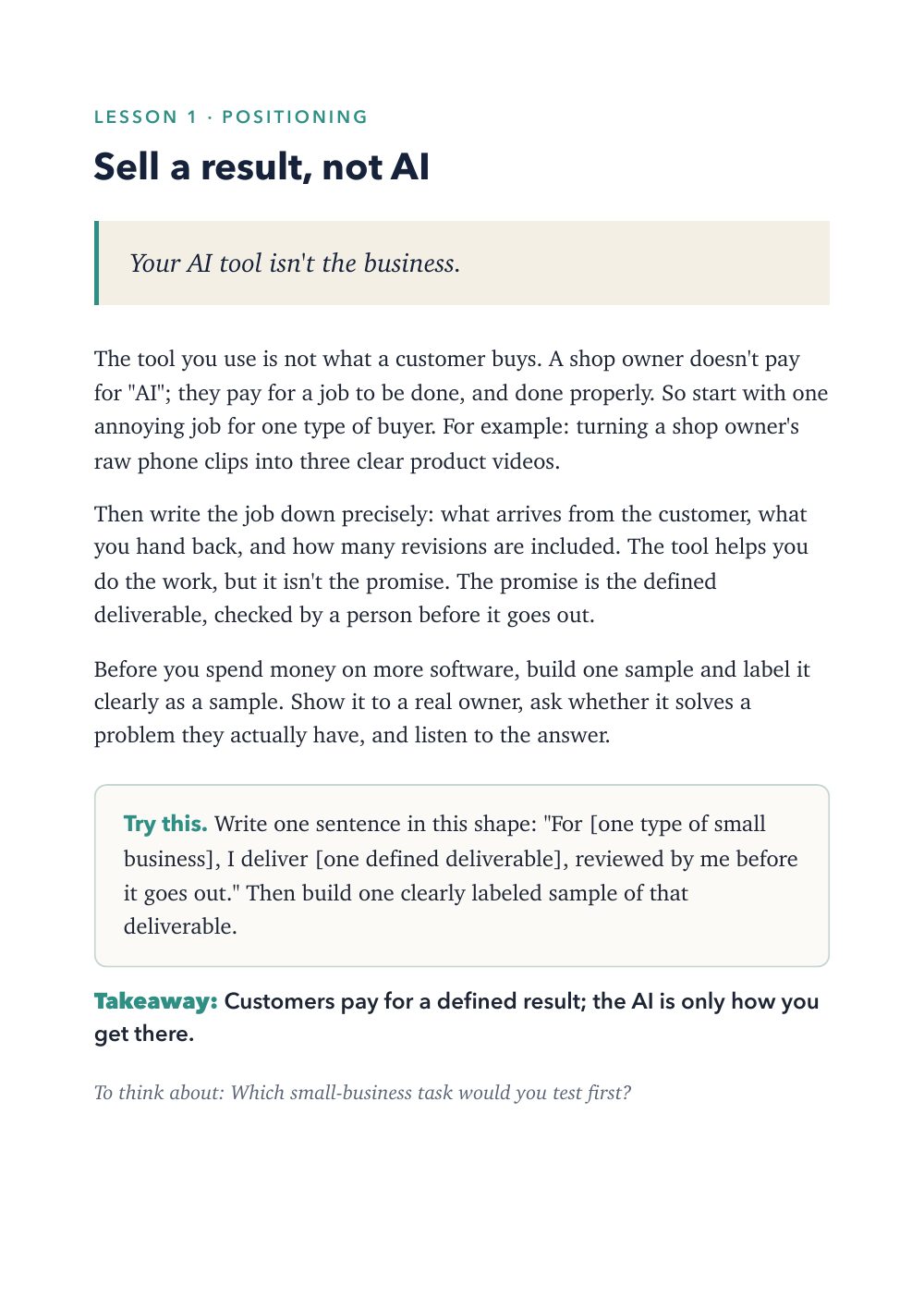
First up: 1. Sell a result, not AI (Lessons 1 to 10).
Come back any time
Each download link works for 7 days. Open the page again for fresh links.
What you will finish
The finished project
A one-page Offer Worksheet filled in for one service: one buyer, one recurring problem, one deliverable, the inputs and checks, the costs you might miss, what is excluded, a first interview question, and a test period with a spending limit decided before you start.
Lesson 1's Try this: write one sentence in this shape, "For [one type of small business], I deliver [one defined deliverable], reviewed by me before it goes out." Then build one clearly labelled sample of that deliverable.
What you'll be able to do
A practical guide for people starting a small AI-assisted service business: captions, product demos, FAQ answers, booking pages, proposals, simple websites. Each lesson explains one idea, gives you one step to try, and one line to keep. Read one a day for thirty days, or straight through.
Turn a skill into one clear offer, then scope and price it without fooling yourself.
Test an idea with real conversations before you build anything.
Write proposals, first messages and product descriptions people can understand.
Measure more than views, and pick your next experiment on purpose.
What you get
Every file the purchase delivers, as listed on your access page.
PDF
30 Business Lessons (PDF, 35 pages)
Beyond the free material
What the full ebook adds
What the full ebook adds
Full instructions 30 short lessons, each with one idea, one Try this step and a takeaway.
Worksheet The one-page Offer Worksheet in the appendix.
Practice tasks A Try this step in every lesson.
Exactly what you get
In the box
Ebook (PDF) · 35 pages, A5, 30 lessons
Offer Worksheet · One page, in the appendix
Human review is the method
The approval step, shown
The request
An owner's five most repeated customer questions.
The draft
Five written answers you draft, with personal details removed.
It stops here for review
The owner approves every price, time and policy in them.
If you approve
The FAQ goes out with an update date and a route back to a human.
If nobody answers
Nothing is published until the owner has approved it.
What this control doesn't do. Lesson 6 calls this useful answers, not an unattended chatbot. The owner's approval is the check; the lesson doesn't promise more.
Curriculum
Every section, listed
Each lesson, note or file, in the order you'll meet it.
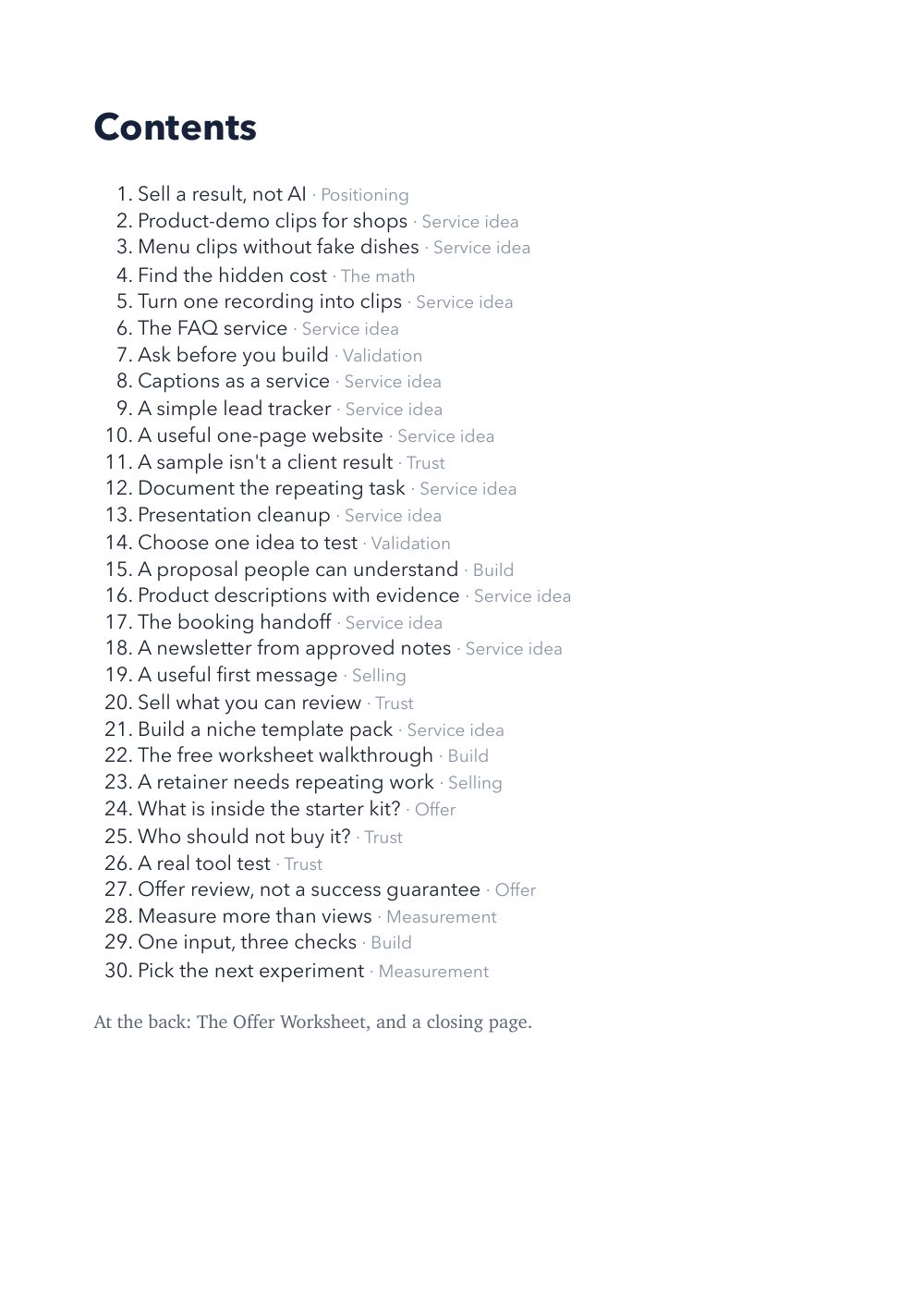
Lessons 1 to 10
1. Sell a result, not AI
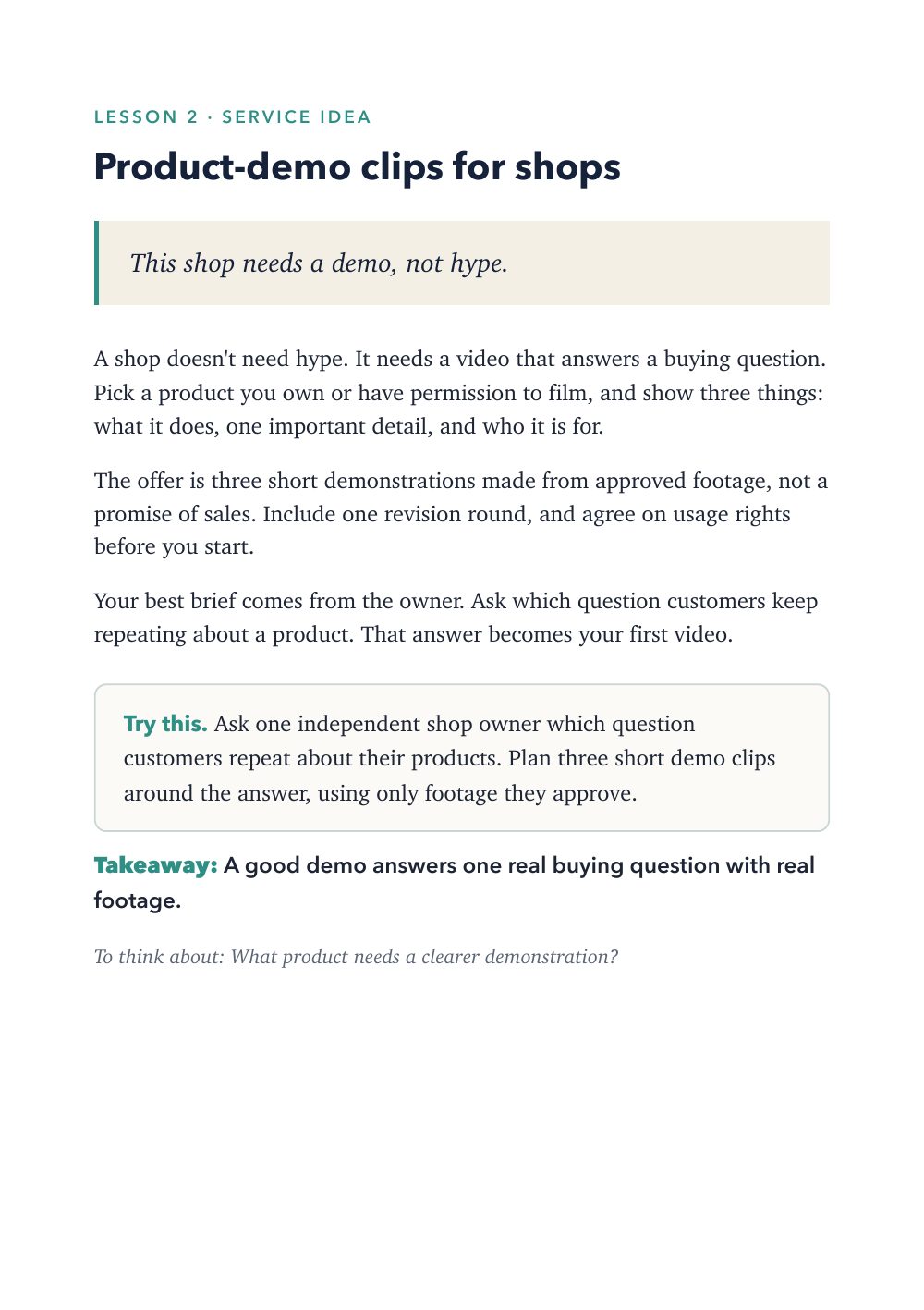
2. Product-demo clips for shops
3. Menu clips without fake dishes
4. Find the hidden cost
5. Turn one recording into clips
6. The FAQ service
7. Ask before you build
8. Captions as a service
9. A simple lead tracker
10. A useful one-page website
Lessons 11 to 20
11. A sample isn't a client result
12. Document the repeating task
13. Presentation cleanup
14. Choose one idea to test
15. A proposal people can understand
16. Product descriptions with evidence
17. The booking handoff
18. A newsletter from approved notes
19. A useful first message
20. Sell what you can review
Lessons 21 to 30
21. Build a niche template pack
22. The free worksheet walkthrough
23. A retainer needs repeating work
24. What is inside the starter kit?
25. Who should not buy it?
26. A real tool test
27. Offer review, not a success guarantee
28. Measure more than views
29. One input, three checks
30. Pick the next experiment
Appendix
The Offer Worksheet
Closing
Is it right for you?
Who it's for
People with a skill and a few ideas but no clear offer yet.
People with an offer who want to scope, price and test it honestly.
Who it isn't for
Anyone looking for income promises. It makes none; the numbers in Lesson 4 are a labeled hypothetical.
Anyone who needs legal, tax or financial advice. It isn't that.
Pairs well with
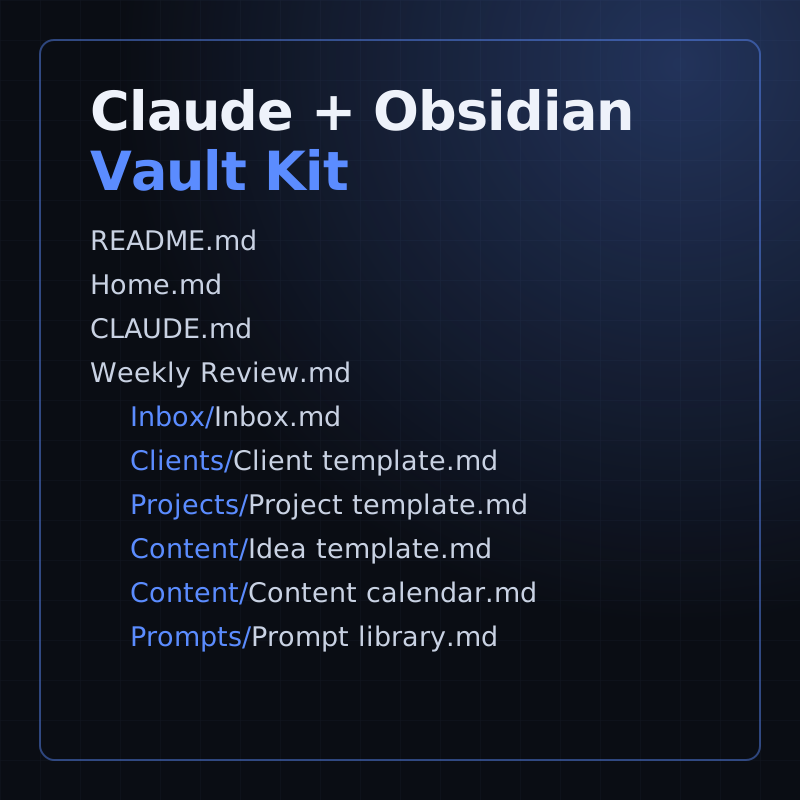
Claude + Obsidian Vault Kit
The kit's prompt library has prompts for defining and pressure-testing an offer, the same work these lessons walk through.
No. The businesses in the examples are illustrations, not clients, and the figures are labeled hypotheticals.
Is there an Arabic edition?
An Arabic edition is being reviewed. It isn't for sale yet; this purchase is the English edition.
Refunds and licence
Refunds
14-day money-back guarantee: if it isn't useful, email us within 14 days of purchase for a full refund, no questions asked. Refund policy
Licence
One purchase covers one household: everyone who lives in the buyer's home may use the guides and printables. Please don't resell or share them publicly. The buyer must be an adult. We never ask for a child's name, age or email.
Help
What help is included
Access help
A lost access page: write from the address you paid with and the link is sent to that address.
A download link that has expired: open your access page again; it makes fresh links each time.
A file that won't download, unzip or open.
What you can report
A mistake in the material: a step that doesn't match what the product says, or a broken link inside a file.
A workflow or starter file that doesn't import, run or give the result its guide shows when you use the guide's own made-up test data.
Questions about what a product contains, before or after you buy.
Not included
Setting up, hosting or adapting a workflow or agent for your own business, accounts or data. That is implementation work, not part of a purchase.
Changes in other companies' tools (n8n, Docker, Obsidian, Claude, Google, Stripe). Each guide says when its screens were last checked and points to the tool's own help.
Legal, tax, financial or medical advice.
Reporting a broken workflow
Write from the address you paid with, through the contact page, and include your Stripe receipt number if you have it.
Name the product and the lesson, chapter or file.
Say what you did, what the guide says you should see, and what you saw instead. Paste the exact error text.
Never send passwords, API keys or a real customer's details. Use the guide's made-up test data.