Adults, Module 0: Start here
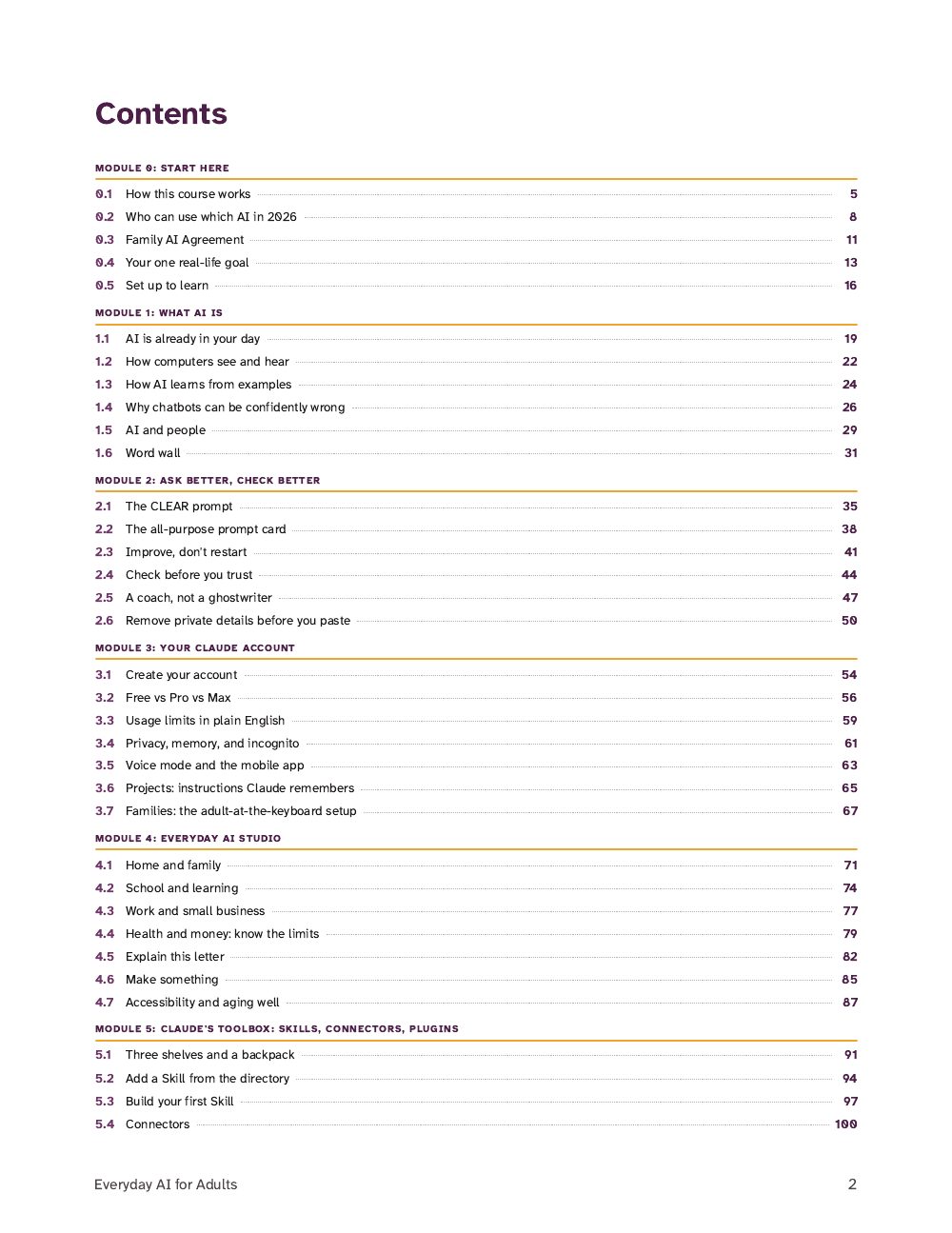
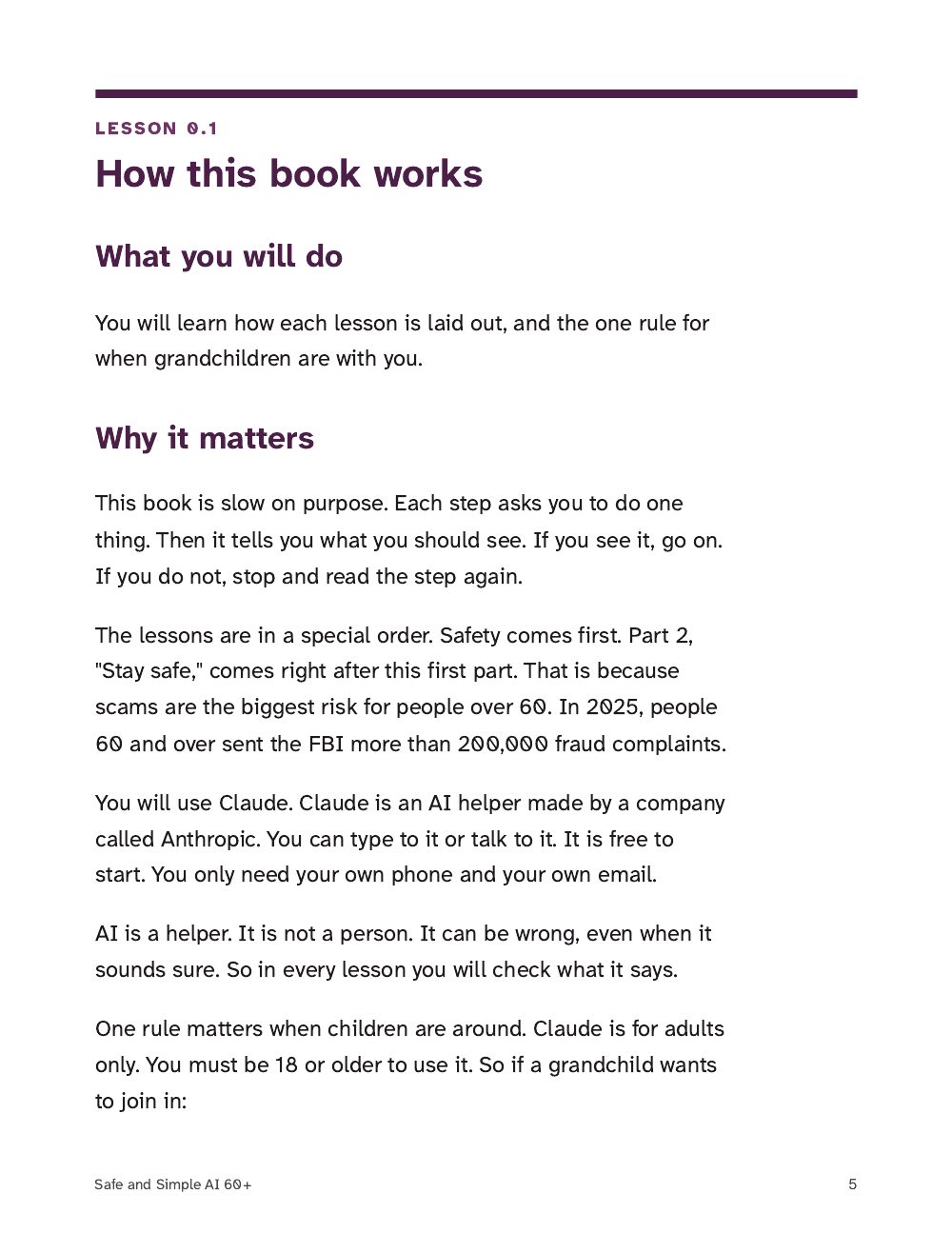
- 0.1How this course works
- 0.2Who can use which AI in 2026
- 0.3Family AI Agreement
- 0.4Your one real-life goal
- 0.5Set up to learn
First lessons
Course
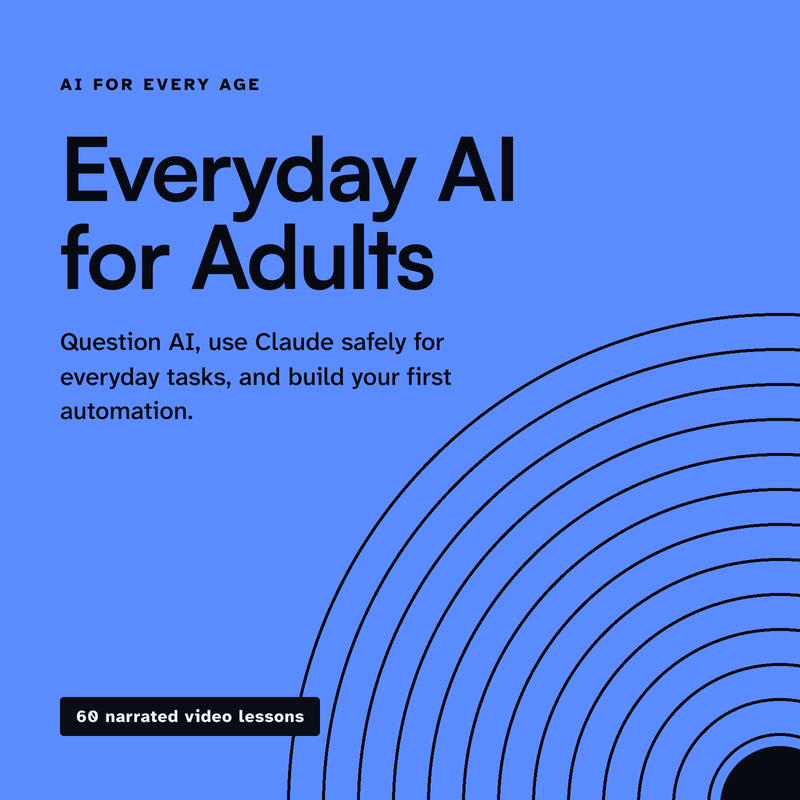
Two video courses, each with a companion PDF, for using AI at home with care: Everyday AI for Adults, and a large-print edition for readers 60 and over.
The 60+ edition is set in large print. Your browser's zoom (Ctrl or Cmd and +) enlarges this page too.
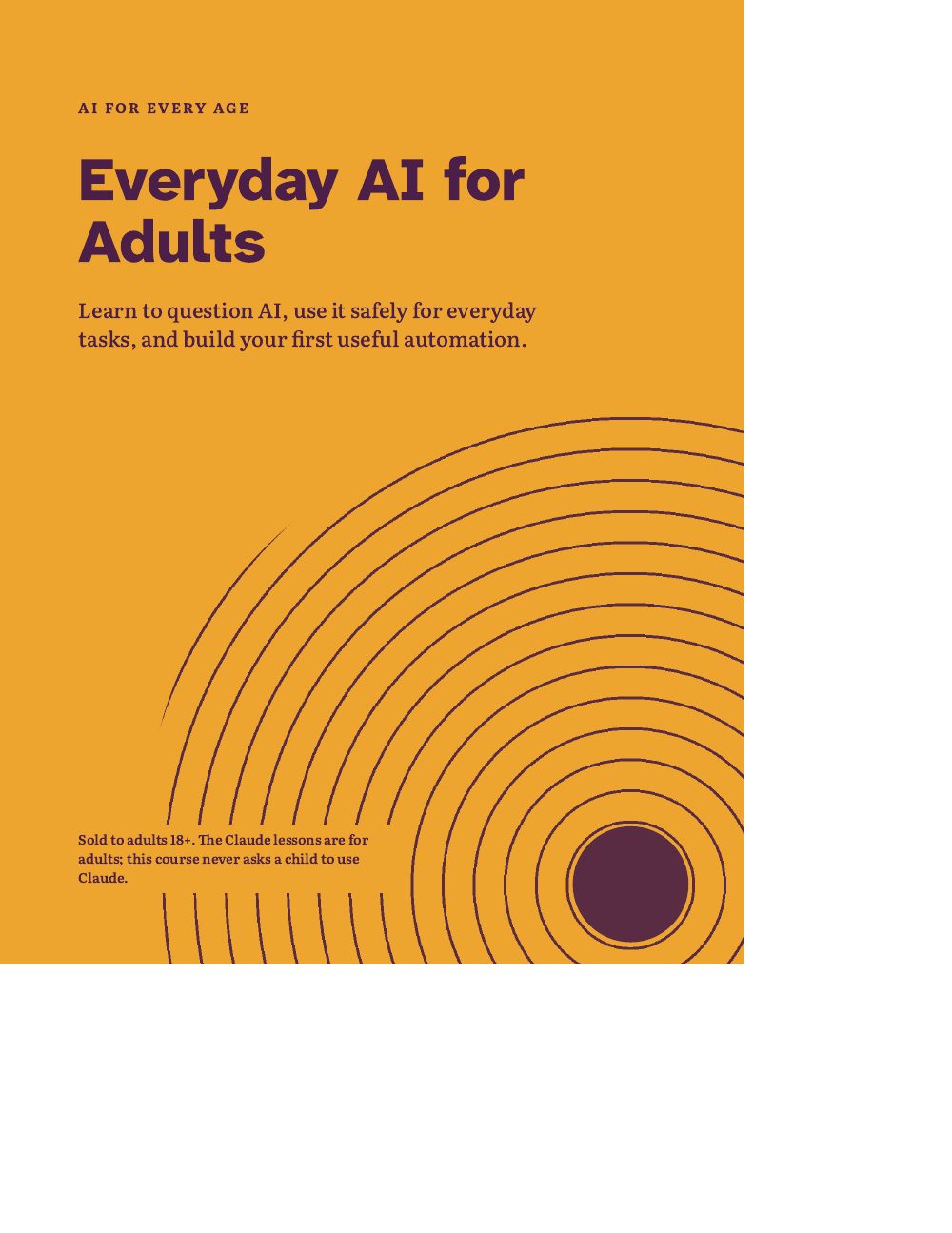
Sold to adults 18+. The Claude lessons are for adults; this course never asks a child to use Claude.
Choose an edition above. Its price, its files and its Buy button appear here, and Buy pays for that edition only.
Everyday AI for Adults
$29 one-time
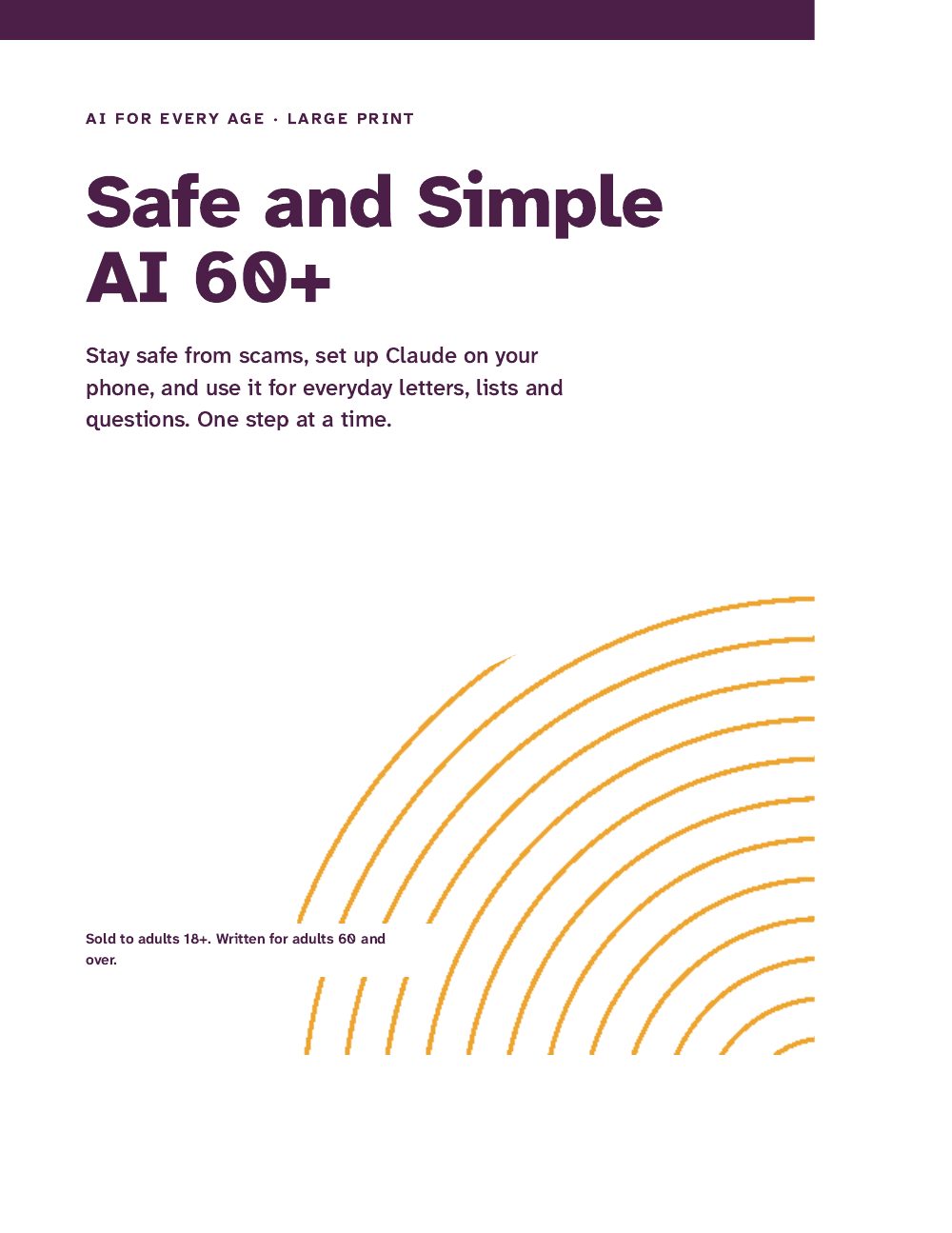
Safe and Simple AI 60+
$19 one-time
Both editions
$39 one-time
After Stripe checkout you land on your own access page with every file. Each download link works for 7 days; open the page again for fresh links. Lost it? Recover it with your Stripe receipt.
Video lessons, PDF, Files (zip). Each edition lists its own files.
This title: From $19, paid once. No subscription.
Claude plan: Works on Claude's free plan (one optional adult lesson needs a paid plan, and says so)
Checkout ends on your own access page with every file. Each download link works for 7 days; open the access page again for fresh ones.
Lost the page? Recover it with the email your Stripe receipt went to and the receipt number on it.
Sneak peek
Cut from the files you get after checkout. Nothing here is a mock-up.
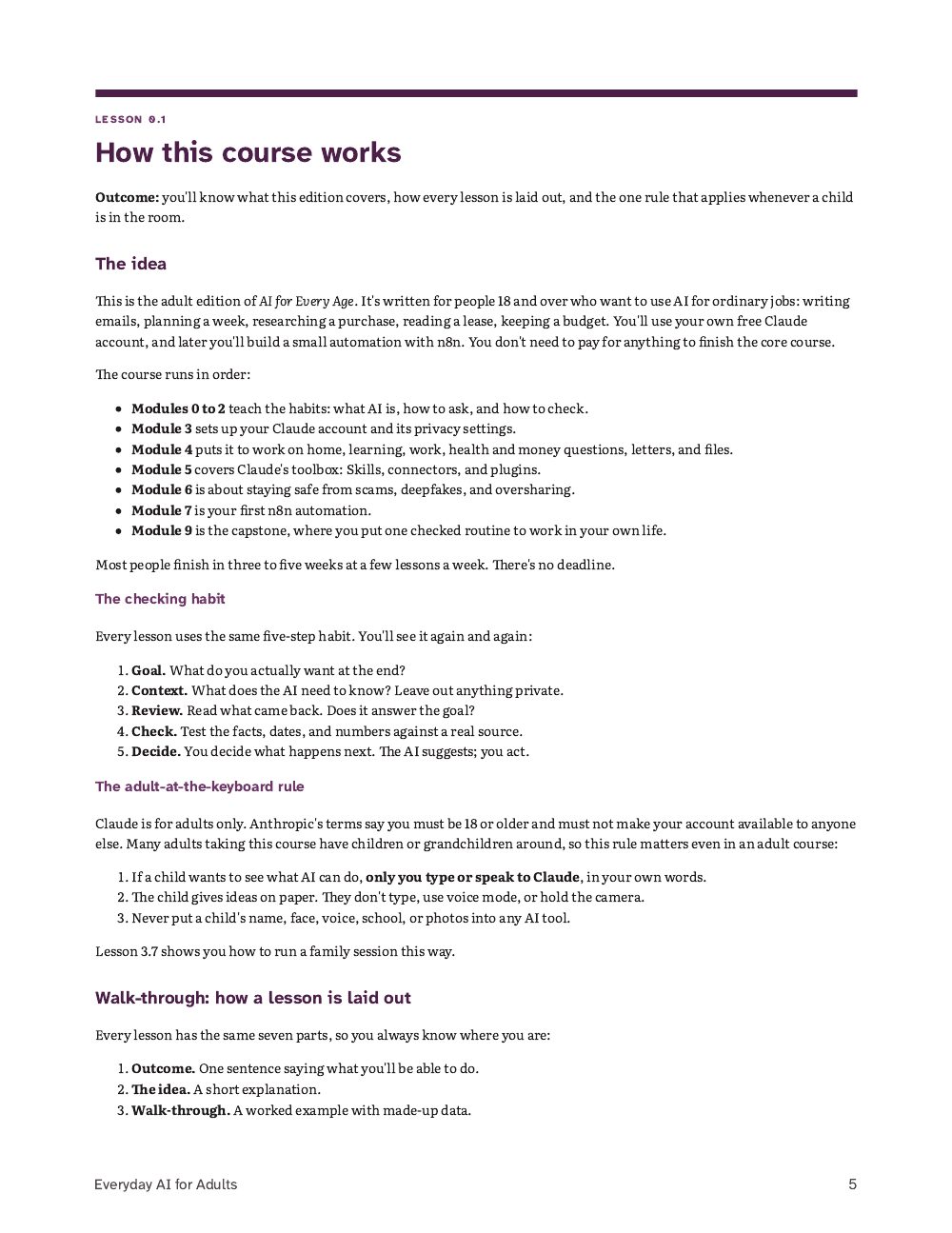
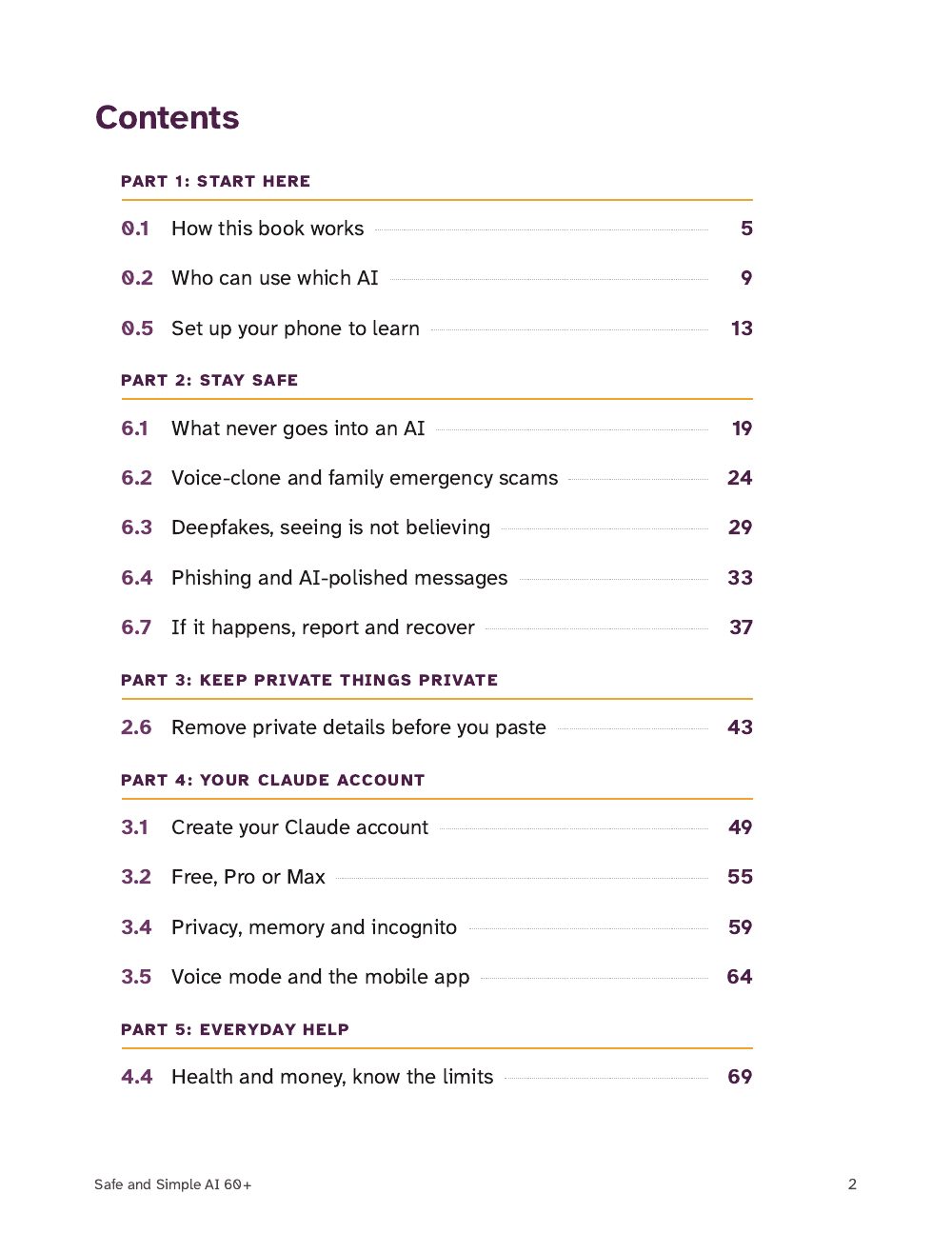
Pages 1, 2 and 5 of 182, exactly as they print. Select a page to see it full size.
Contents
Counted from the files on 1 Oct 2026.
| Everyday AI for Adults | Video course: 60 narrated video lessons of 4 to 8 minutes, plus one PDF, 182 pages, US Letter; 4 n8n workflow files; a ready-made Claude Skill |
|---|---|
| Safe and Simple AI 60+ | Video course: 17 narrated large-print video lessons of 4 to 7 minutes, plus one PDF, 87 pages, US Letter; 17-point body text |
| Claude plan | Works on Claude's free plan (one optional adult lesson needs a paid plan, and says so) |
| Buyer | Adults 18+ |
| Licence | One household |
How it works
Buy opens Stripe's secure checkout. We never see your card details.
You land on it right after checkout, with every file.
First up: How this course works (Adults, Module 0: Start here).
Each download link works for 7 days. Open the page again for fresh links.
What you will finish
Everyday AI for Adults: your own first n8n workflow, built and tested (Build 1 needs no accounts), and a capstone you choose, build, test and document. Safe and Simple AI 60+: your own Claude account on your own phone, a family safe word and a callback number you saved yourself.
Build 1, Today's Plan Card, run on n8n 2.40.7 on 29 Sep 2026: with minutes set to 15 it ends at "Do it now."; with 30 it ends at "Split into two smaller steps."
Learn to question AI, use Claude safely for everyday tasks, and, in the adult edition, build your first useful automation. The large-print edition puts scam safety first and takes one step at a time. Buy one edition, or both for a household where more than one generation is learning.
Every file the purchase delivers, as listed on your access page. Choose an edition above to see its files.
Watch on your access page or download. The first ones:
Everyday AI for Adults (zip: PDF, n8n workflows, Claude Skill)
Watch on your access page or download. The first ones:
Safe and Simple AI 60+ (PDF, 87 pages)
Watch on your access page or download. The first ones:
Everyday AI for Adults (zip: PDF, n8n workflows, Claude Skill)
Safe and Simple AI 60+ (PDF, 87 pages)
Beyond the free material
Exactly what you get
Human review is the method
Build 4, Inbox sorting by label: a made-up email labelled AI-COURSE-TEST arrives in a test Gmail account.
The workflow keeps four fields for the Inbox log sheet: message_id, from: Test Sender <test.sender@example.com>, subject: AI course test 1, review_needed: true. The message body is dropped.
review_needed is true, so a person decides what happens next.
You reply, file or delete the email yourself, in Gmail.
The email stays where it is. The workflow never replies, sends or deletes.
What this control doesn't do. The build has no send, reply or delete step: its only Gmail node is the trigger, which reads. It can't judge the email for you; it only makes sure each one is logged for a person to look at.
If you get stuck
In Today's task, minutes set to type String with the value 15Wrong type: '15' is a string but was expecting a number [condition 0, item 0]Change minutes back to type Number where it is set, then run again: the advice is "Do it now."
The If condition reads {{ $json.minute }} and minutes is 30Status success, advice "Do it now." (wrong: 30 is more than 20)Open the If node: the expression preview shows no value. Correct it to {{ $json.minutes }}, run again, and check for "Split into two smaller steps."
Open the node that sets that field and read its input. The field is probably named differently, for example Subject with a capital S.
Tested with
All four workflow files imported with no errors and exported identically. Build 1 ran end to end. The Google Sheets and Gmail steps of Builds 2 to 4 were not run: they need a real Google login.
Recorded in the course's workflows README
For two people
Two adults: an older learner and a family member, at one table or by phone. Claude is for adults 18 and over, so only adults use the Claude lessons; a teenager can join the workbook's Drill 7, never Claude.
Uses: The Family AI-Scam Defense Workbook and AI for Every Age.
Both, at the kitchen table, with the workbook printed
Read Parts 1 to 5 together, choose your safe word out loud, write your callback list, run two drills, fill in the "If it happens" page and put the cards up. The workbook's own timetable for this sitting adds up to about an hour and a half.
The older learner types; the family member sits beside them
Safe and Simple AI 60+, Lesson 0.1, then Lesson 3.1: the learner creates a free Claude account on their own phone with their own email. Accounts can't be shared.
The family member reads the caller's lines; the learner answers
Safe and Simple AI 60+, Lesson 6.2: six steps with a made-up call. Ask for the family word, say "I'll call you right back", hang up, and call back on a number you saved yourself.
Both, on an arranged call
Agree the day and time first, say "This is a drill" at the start and the end, and ring back straight away as yourself to ask how it felt. Drills 1 and 2 work this way.
Both
Write a line in the drill log each time you practise, and do the yearly check on Page G.
Some safety advice appears in both, from the same official sources. If you have the course, the new material in the workbook is Parts 6, 7 and 9 and the fuller reporting steps in Part 8.
Curriculum
Each lesson, note or file, in the order you'll meet it.
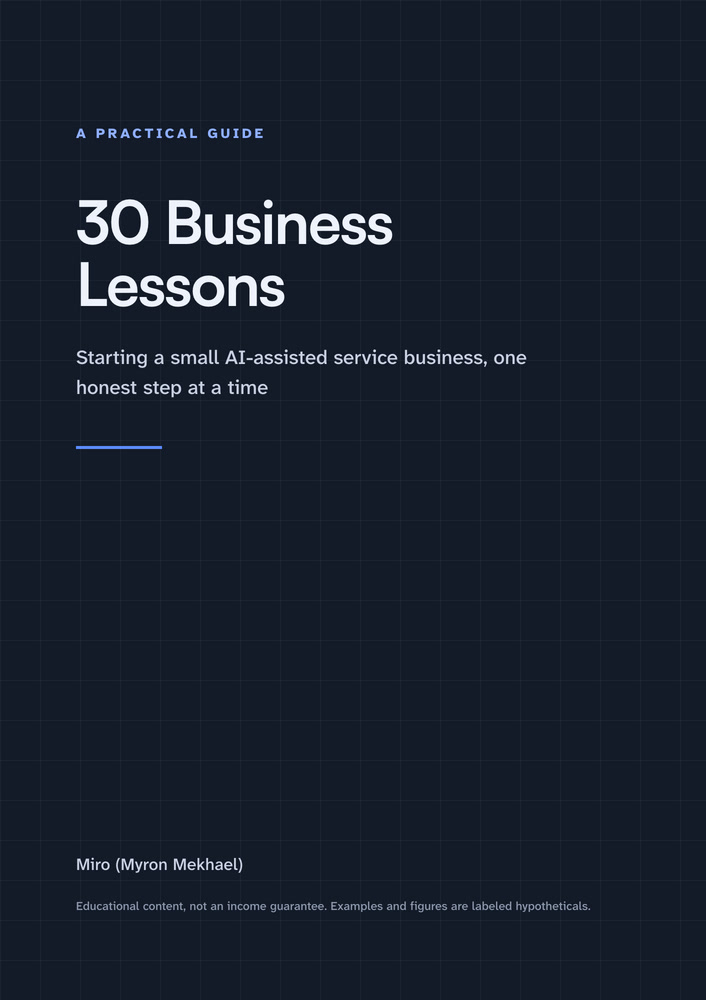
For readers of lesson 4.3, Work and small business, who want to turn a skill into a small service of their own.
Something else? Write to Miro.
No. Claude is for adults 18 and over, and you may not share your account with anyone, including your children. In these courses, only an adult ever types or speaks to Claude. If a child has an idea, they tell you or write it on paper, and you type it in your own words. Never put a child's name, face, voice, school or photos into any AI tool.
No. Every lesson in Safe and Simple AI 60+, and the core of Everyday AI for Adults, works on Claude's free plan. One optional lesson in the adult course (5.7, on agents that take action) covers features that need a paid Claude plan, and it says so.
Not to follow the course. n8n offers a free 14-day cloud trial, and a free edition you can run on your own computer. Check n8n's current prices before you choose a paid plan.
No. The courses teach you to use AI for questions, and to take decisions to a doctor, pharmacist, lawyer, bank or adviser.
No. Claude accounts can't be shared. They set up their own free account, on their own phone, in Lesson 3.1. You can sit next to them while they do it.
Both editions are video courses: narrated lessons to watch on your access page or download, plus a PDF sized for US Letter paper. Everyday AI for Adults comes as a zip with the PDF, a folder of n8n workflow files (JSON) and a Claude Skill. Open the PDFs on a phone, tablet or computer, or print them. For Safe and Simple AI 60+, printing the PDF is recommended.
Apps, screens and prices change. Lessons that depend on them say when they were last checked. If your screen looks different, the lesson tells you what to look for.
14-day money-back guarantee: if it isn't useful, email us within 14 days of purchase for a full refund, no questions asked. Refund policy
One purchase covers one household: everyone who lives in the buyer's home may use the guides and printables. Please don't resell or share them publicly. The buyer must be an adult. We never ask for a child's name, age or email.
Help
Miro replies by email within 2 business days.