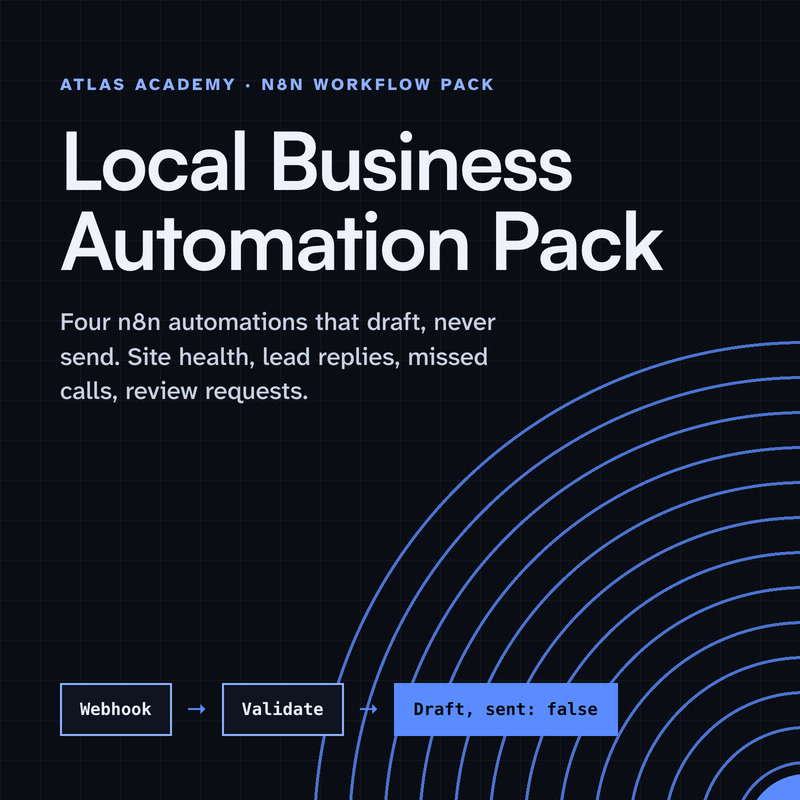
Four n8n automations for a local business that prepare drafts for you to check and send yourself: a site health check, a lead-form reply, a missed-call text-back and a review request, with a guide that explains every node.
Level
Some setup: Docker No programming, but you run n8n with Docker on your own computer.
After Stripe checkout you land on your own access page with every file. Each download link works for 7 days; open the page again for fresh links. Lost it? Recover it with your Stripe receipt.
Before you pay
What do I receive?
One zip: a PDF guide plus four n8n workflow files, a README and a Docker compose file
Level: Some setup: Docker. No programming, but you run n8n with Docker on your own computer.
You need: A computer that can run Docker, about an hour, no programming
Tested on: n8n 2.40.7, self-hosted with Docker, 1 Oct 2026
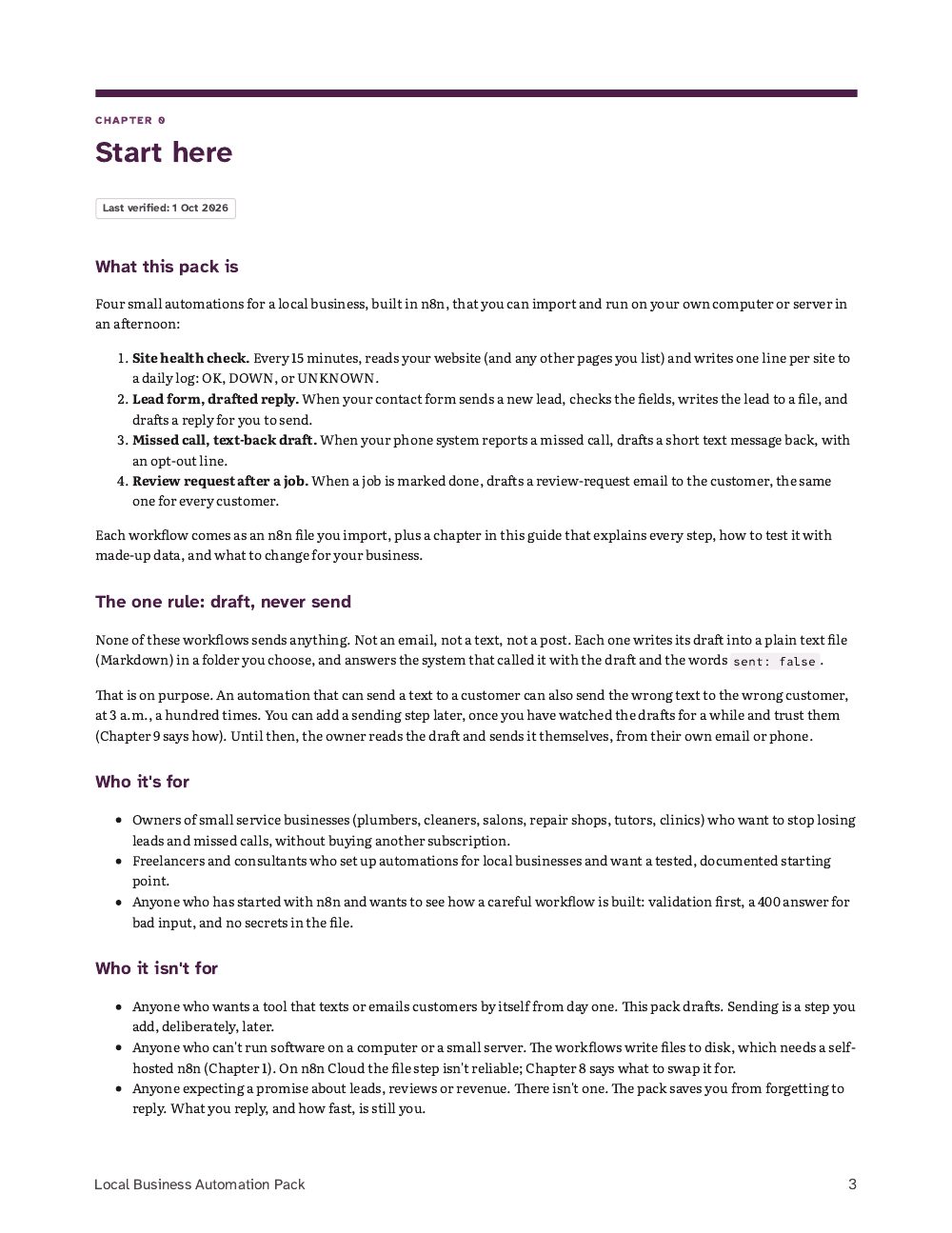
Not for: Anyone who wants a tool that texts or emails customers by itself from day one. This pack drafts; sending is a step you add later, deliberately, and Chapter 9 says how.
Local Business Automation Pack/Local Business Automation Pack.pdf1.3 MB
Local Business Automation Pack/workflows/1-site-health-check.json7 KB
Local Business Automation Pack/workflows/2-lead-form-drafted-reply.json8 KB
Local Business Automation Pack/workflows/3-missed-call-text-back.json8 KB
Local Business Automation Pack/workflows/4-review-request-after-job.json8 KB
Local Business Automation Pack/workflows/README.md5 KB
Local Business Automation Pack/workflows/docker-compose.yml1 KB
# Local Business Automation Pack: the four workflows

Last verified: 1 Oct 2026

Four n8n workflow files you can import, each matching a chapter of the guide. They draft; they never send.
The first 5 of 65 lines of README.md
Contents
Every count, in one table
Counted from the files on 1 Oct 2026.
Format
One zip: a PDF guide plus four n8n workflow files, a README and a Docker compose file
A computer that can run Docker, about an hour, no programming
How it works
From checkout to your first lesson
Pay once
Buy opens Stripe's secure checkout. We never see your card details.
Open your access page
You land on it right after checkout, with every file.
Start at the beginning
First up: Start here (The guide).
Come back any time
Each download link works for 7 days. Open the page again for fresh links.
What you will finish
The finished project
Four n8n workflows on your own computer: each new lead, missed call or finished job gets a drafted reply in a plain text file for you to read and send yourself, and your website is checked every 15 minutes and logged as OK, DOWN or UNKNOWN.
The tested lead-form run from Chapter 4: a made-up lead (Dana Reyes, dana@example.com, "Need a quote for a kitchen faucet repair") comes back as {"status":"draft","sent":false,...} with the drafted email, and one new row in inbox/Leads.md.
What you'll be able to do
A written guide and four importable n8n workflow files, by Miro. Each workflow checks its input, writes the lead, call, job or site status to a plain text file on your own machine, and drafts the reply for you to send. Nothing is sent by the files, and nothing needs an account, a key or a password. Import them in an afternoon, test them with made-up data, and keep the owner in the loop.
Know within 15 minutes when your website or booking page goes down, with a log that says OK, DOWN or UNKNOWN and never calls an unreadable site "fine".
Catch every contact-form lead the moment it arrives, with a reply already drafted in your words.
Draft a text back to every missed call, with an opt-out line, from the number your phone system reports.
Send every customer the same review request after a job, written while the job is fresh, with no cherry-picking.
Learn the five habits that make these workflows safe to adapt: untrusted input, 400 on bad data, draft never send, no secrets in the files, a fenced machine.
What you get
Every file the purchase delivers, as listed on your access page.
Download (zip)
Local Business Automation Pack (zip: PDF guide, 4 n8n workflows, README, docker-compose)
Beyond the free material
What the full workflow pack adds
What the full workflow pack adds
Organised files 4 workflow files, a README, and a docker-compose.yml that fences file access to one folder.
Full instructions A 29-page guide that explains every node.
Practice tasks Test steps with made-up data in every workflow chapter.
Expected outputs "What you should see" after each test call, and an appendix of what was run and what came back.
Troubleshooting Chapter 8: the six usual problems, and what to swap on n8n Cloud.
Dated chapters Every chapter shows the date it was last verified.
Exactly what you get
In the box
Guide (PDF) · 29 pages, US Letter, 10 chapters and an appendix
n8n workflow files · 4, nine nodes each, saved unpublished, no credentials inside
README.md · Import, test, what was tested
docker-compose.yml · n8n on your own computer, localhost only, file access fenced to one folder
Human review is the method
The approval step, shown
The request
A made-up lead from the contact form: Dana Reyes, dana@example.com, +1 (555) 010-2233, "Need a quote for a kitchen faucet repair".
The draft
Subject: Thanks for getting in touch with [Business name]. Hi Dana, thanks for reaching out to [Business name]. We got your message about "Need a quote for a kitchen faucet repair" and will get back to you within one business day.
It stops here for review
The workflow answers {"status":"draft","sent":false,...,"next":"owner approves before anything is sent"} and adds a row to inbox/Leads.md. No workflow in the pack has a sending step.
If you approve
You read the draft, change it if needed, and send it from your own email.
If nobody answers
Nothing is sent. The draft stays in Leads.md.
What this control doesn't do. The gate is the missing send step: nothing makes you read the file, and "within one business day" is yours to change to what you can keep. Chapter 9 explains adding a send step later, and why last.
If you get stuck
Troubleshooting preview
Setup issue "The requested webhook ... is not registered" (404)
Example input
A call to the Production URL of a workflow that isn't published, or to a Test URL when the canvas isn't listening
What you see
404: the webhook is not registered
For a test, select Execute workflow, then send one call per click. For production, publish the workflow; if you published from the command line, run docker compose restart.
Setup issue "Error in workflow" (500) on every call
Example input
An edit to the draft text with a quote mark inside it
What you see
500 on every call; n8n underlines the problem in Validate & draft
Write we\'re, or "we are", inside the draft.
Setup issue Nothing appears in the inbox folder
Check in order: the run succeeded in Executions; the compose file still has ./inbox:/inbox and N8N_RESTRICT_FILE_ACCESS_TO=/inbox; the inbox folder exists and your user can write to it (on Linux, sudo chown 1000:1000 inbox).
Setup issue "Access to the file ... is not allowed"
Example input
A file path changed in the workflow but not in the compose file
What you see
A permission error on Append to file
The file fence is doing its job. Keep the workflow's /inbox/... path inside N8N_RESTRICT_FILE_ACCESS_TO, and change both together.
And 4 more like these.
Tested with
What was checked, and when
n8n, self-hosted with Docker · 2.40.7 checked 1 Oct 2026
Imported with no errors and exported back identically. The site check ran with five cases (OK, OK with expected text, two DOWN, UNKNOWN). The three webhook workflows answered good input with a draft and sent: false, bad input with a 400 and no row, and a deliberately malicious test lead was escaped.
Recorded in the pack's verify log
Curriculum
Every section, listed
Each lesson, note or file, in the order you'll meet it.
The guide
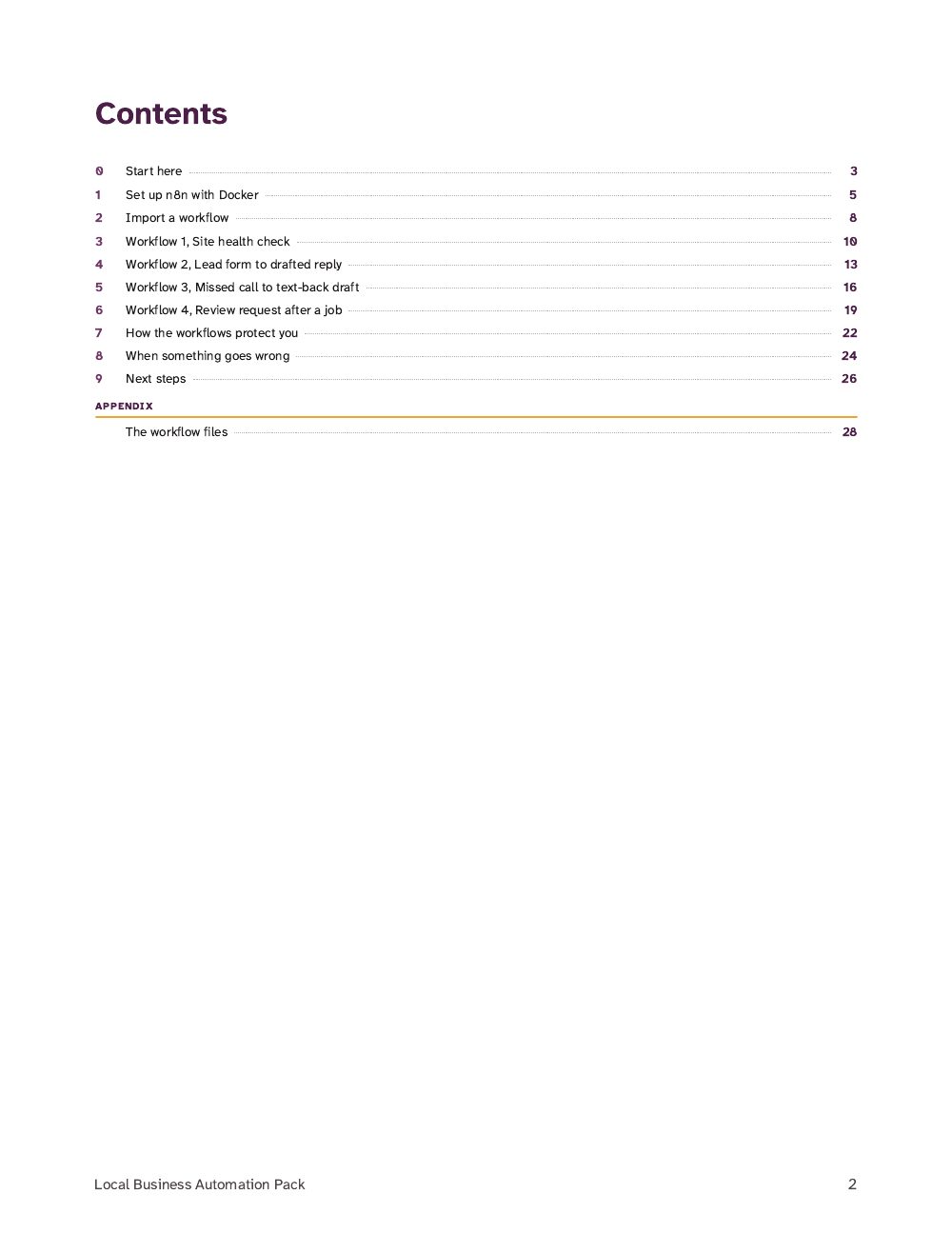
0Start here
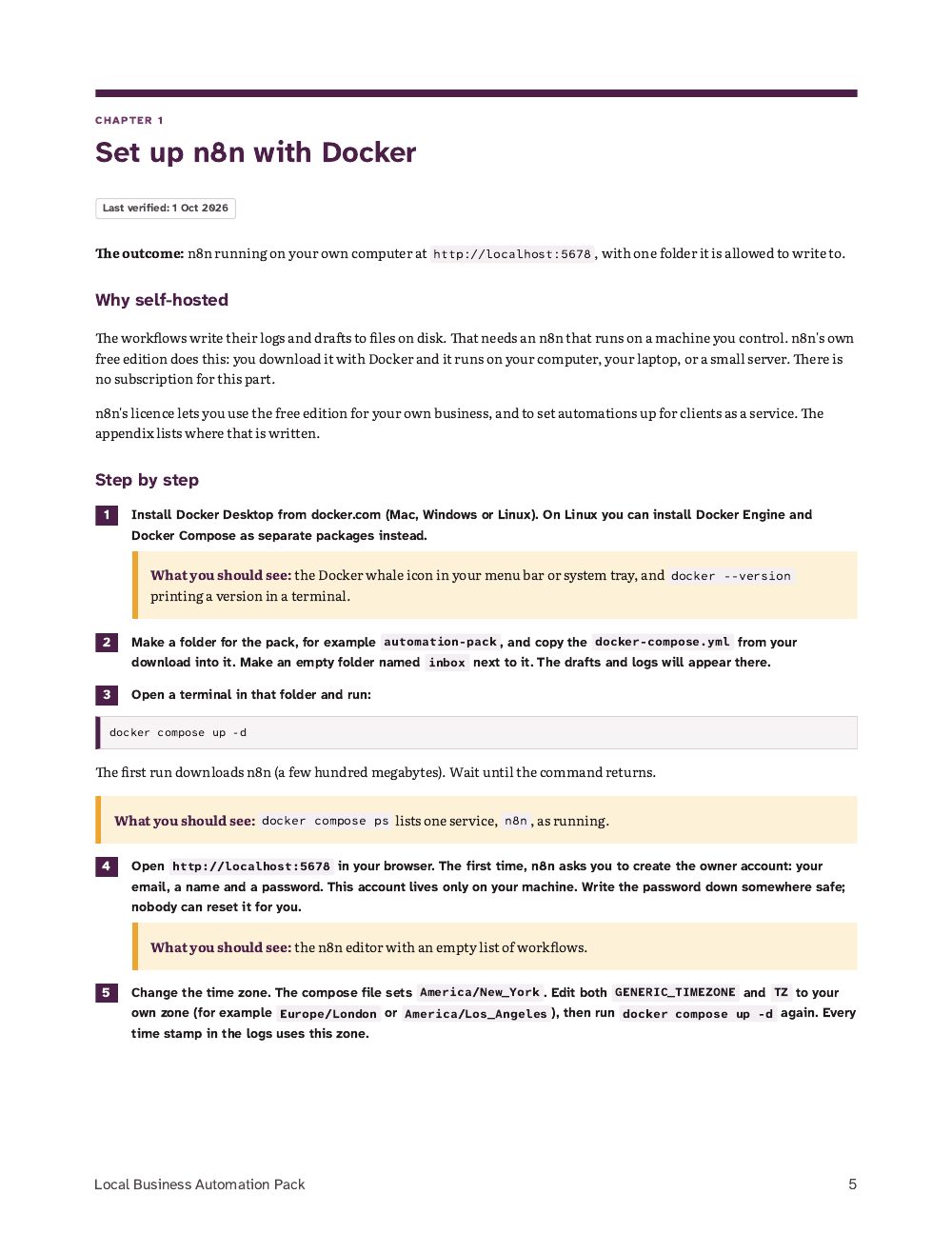
1Set up n8n with Docker
2Import a workflow
3Workflow 1, Site health check
4Workflow 2, Lead form to drafted reply
5Workflow 3, Missed call to text-back draft
6Workflow 4, Review request after a job
7How the workflows protect you
8When something goes wrong
9Next steps
Appendix: the workflow files, with what was tested
The workflows folder
1-site-health-check.json
2-lead-form-drafted-reply.json
3-missed-call-text-back.json
4-review-request-after-job.json
README.md: import, test, what was tested
docker-compose.yml: n8n on your own computer, localhost only, file access fenced to one folder
Is it right for you?
Who it's for
Owners of small service businesses who want to stop losing leads and missed calls without another subscription.
Freelancers and consultants who set up automations for local businesses and want a tested, documented starting point they can hand over.
People who have started with n8n and want to see how a careful workflow is built.
Who it isn't for
Anyone who wants a tool that texts or emails customers by itself from day one. This pack drafts; sending is a step you add later, deliberately, and Chapter 9 says how.
Anyone who can't run software on a computer or small server. The workflows write files to disk, so they need a self-hosted n8n; on n8n Cloud the file step isn't reliable and Chapter 8 says what to swap it for.
Anyone expecting a promise about leads, reviews or revenue. There isn't one.
Pairs well with
Build a Safe AI Operator
The same rules, draft before send and unknown is never OK, taken further: an agent that picks actions from a closed list and asks before it acts.
No. Every workflow writes a draft to a file and answers sent: false. There is no sending node in any file. Chapter 9 explains how to add one later, and why to add it last.
Do I need n8n Cloud or a paid plan?
No. The pack runs on n8n's free self-hosted edition with Docker, on your own computer or server. n8n's licence allows using it for your own business and for automation services you offer to clients.
Do I need to know how to code?
No. Every change is editing a short list or a placeholder such as [Business name] inside a box. The code in the workflows is already written and explained node by node.
Will it work with my form, phone system or job tracker?
It works with anything that can send a web request (a webhook) to a URL, which most form tools and business phone systems can. If yours can't, you can still add a row with one command and get the draft; the guide shows how.
Are the workflow files really tested?
They were imported, run and exported again on n8n 2.40.7 on 1 Oct 2026. The appendix lists exactly what was sent and what came back, including a deliberately malicious lead that was escaped correctly.
What format are the files?
A zip with a PDF (US Letter) and a workflows folder of n8n JSON files, a README and a docker-compose.yml.
Refunds and licence
Refunds
14-day money-back guarantee: if it isn't useful, email us within 14 days of purchase for a full refund, no questions asked. Refund policy
Licence
One purchase covers one business: the buyer and the people who work in that business may use the guide and the workflow files, including on the n8n they run for it. Please don't resell or share the files publicly. The buyer must be an adult.
Help
What help is included
Access help
A lost access page: write from the address you paid with and the link is sent to that address.
A download link that has expired: open your access page again; it makes fresh links each time.
A file that won't download, unzip or open.
What you can report
A mistake in the material: a step that doesn't match what the product says, or a broken link inside a file.
A workflow or starter file that doesn't import, run or give the result its guide shows when you use the guide's own made-up test data.
Questions about what a product contains, before or after you buy.
Not included
Setting up, hosting or adapting a workflow or agent for your own business, accounts or data. That is implementation work, not part of a purchase.
Changes in other companies' tools (n8n, Docker, Obsidian, Claude, Google, Stripe). Each guide says when its screens were last checked and points to the tool's own help.
Legal, tax, financial or medical advice.
Reporting a broken workflow
Write from the address you paid with, through the contact page, and include your Stripe receipt number if you have it.
Name the product and the lesson, chapter or file.
Say what you did, what the guide says you should see, and what you saw instead. Paste the exact error text.
Never send passwords, API keys or a real customer's details. Use the guide's made-up test data.