Practice check
Lab: your own n8n
Free lab file, no sign-up:
- Do
- Import n8n-my-own-n8n.json · Execute workflow
- Expect
- Your screen should show: 'Hello from my own n8n' + the day and time
- Stuck?
- Wrong hour? Set the workflow's time zone
- Challenge
- Stop n8n, start it again: still there?
Go deeper
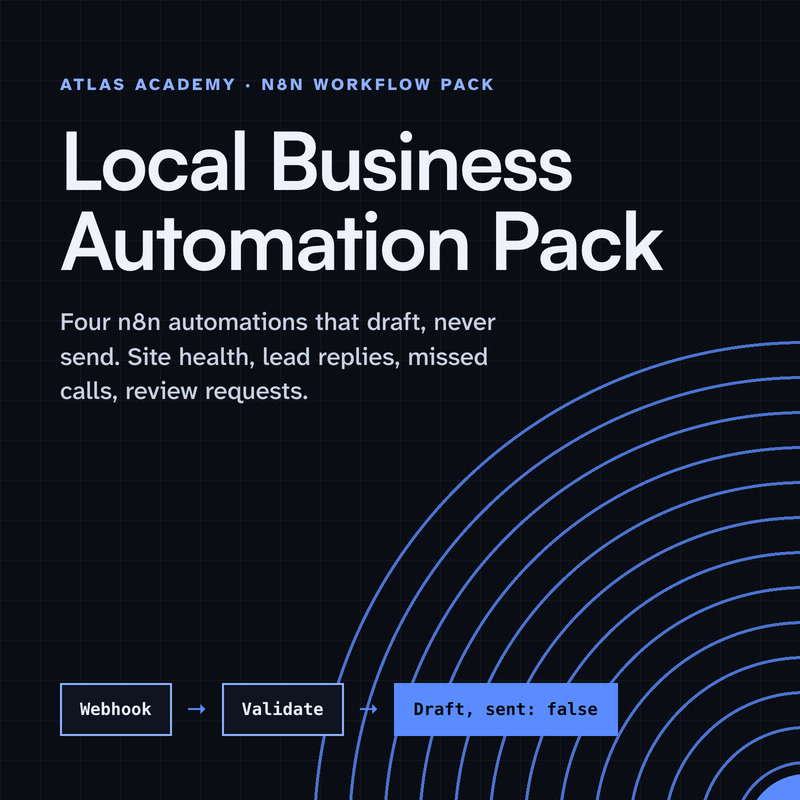
The same n8n editor, with ready automations for a local business and a guide that explains every node.
Workflow pack
Four n8n automations for a local business that prepare drafts for you to check and send yourself: a site health check, a lead-form reply, a missed-call text-back and a review request, with a guide that explains every node.
- Level
- Some setup: Docker
- Format
- PDF, Files (zip)
- You need
- A computer that can run Docker, about an hour, no programming
Next lesson
Coming next: an n8n AI agent with tools, memory and a human approval step
All lessons in n8n Workflows from Zero
Lesson script
The lesson's script, line by line. The published video's own lines are not on record here, so the video may differ in places.
First, the choice. On n8n Cloud, n8n runs everything for you: hosting, updates, all of it.
Self-hosted, you run it yourself. Without a license key, that's the free Community edition, with almost every feature.
Be honest with yourself here. n8n says self-hosting suits people used to managing servers. If that's not you yet, Cloud is fine.
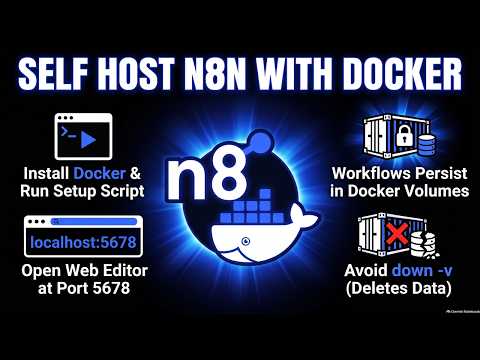
Install Docker from Docker's own site. It comes with Docker Compose, which the setup needs too.
Start it, and leave it running in the background. You don't need to know Docker to follow along.
On Windows, run everything from WSL. The normal command prompt and PowerShell can't run the setup script.
Open a terminal and run this one line. It checks Docker, makes a folder called n8n, writes the settings, and starts n8n.
Stopping and starting are these two lines. Same folder, same data.
And this last one upgrades. It only changes the version numbers. Your workflows and settings stay put.
Quick quiz. You run the setup command again by mistake. What happens? Comment your answer.
B. It's safe to run twice. It just tells you n8n is already set up, and changes nothing.
When it's ready, it prints the address. Open your browser at localhost, port five six seven eight.
The first start takes a moment. If the page doesn't load, wait a bit, and refresh.
And only n8n's own port, five six seven eight, can be reached from outside your machine. Everything else stays private.
If you're setting up your own n8n, subscribe for the advanced lessons.
Pause the video, install Docker if you haven't, and run the one-line setup.
Open localhost, port five six seven eight, in your browser. Resume when you can see the editor.
Here's what matters most. The n8n program runs in a container, and a container can be removed and replaced, for example when you update.
Your workflows live in a Docker volume called n8n data. It stays when the container goes, so your work survives.
But one flag deletes it: down with dash v. Only use that if you really want everything gone.
Not keen on running a script from the internet? Download it, read it, then run it. n8n's docs show how.
Upgrade with the upgrade flag, so your data and secrets stay as they are.
And the built-in database is fine to start. For a team, or anything serious, n8n suggests Postgres.
Last quiz. Which of these deletes all your workflows? Comment.
C. Down with dash v removes the volume too. Plain down just stops n8n.
Your lab. Download the lab file from the description, import it into your new n8n, and run it.
Expect a hello from your own n8n, with today's day and the time.
Stuck? If the hour looks wrong, a self-hosted n8n starts on New York time. Set the workflow's time zone in its settings.
Your challenge: stop n8n, start it again, and check that your lab workflow is still there.
Recap. Self-hosting gives you the free Community edition.
One command installs and starts it, with Docker doing the heavy lifting.
You open the editor at localhost, port five six seven eight.
And the volume keeps your work through restarts and upgrades. Your own n8n, on your own machine. Next time: an n8n AI agent with tools, memory and a human approval step.