Go deeper
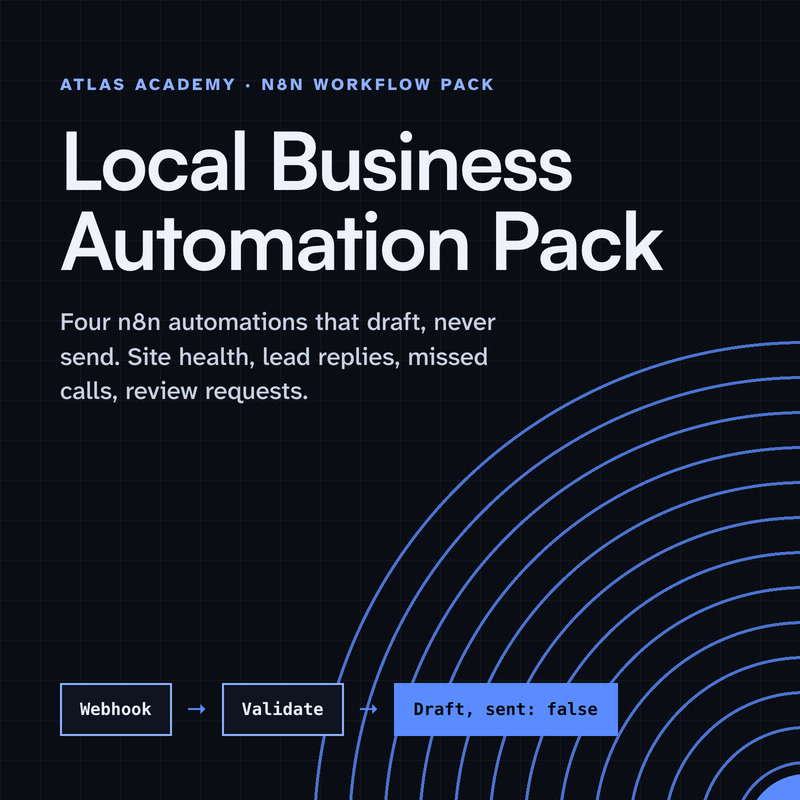
Claude drafts, n8n runs the steps, a person checks: the pack applies that pattern to four everyday business tasks.
Workflow pack
Four n8n automations for a local business that prepare drafts for you to check and send yourself: a site health check, a lead-form reply, a missed-call text-back and a review request, with a guide that explains every node.
- Level
- Some setup: Docker
- Format
- PDF, Files (zip)
- You need
- A computer that can run Docker, about an hour, no programming
Next lesson
Coming next: sharing our assistant with your team, safely
All lessons in Build a Real Project: Claude + n8n
Lesson script
The lesson's script, line by line. The published video's own lines are not on record here, so the video may differ in places.
Here's the plan. The form keeps working, and a Gmail Trigger becomes a second way in.
Both send the message to one shared piece: the Claude step, moved into a sub-workflow. Fix it once, and both channels get the fix.
Then a person approves in Slack, and only then does the reply go out, and land in the log.
First, open the assistant and select the nodes that draft the reply. Leave the form trigger out. Triggers can't go in.
Right-click the canvas background, and choose Convert to sub-workflow. n8n moves them into a reusable workflow of their own.
Your form workflow now calls it with an Execute Sub-workflow node. Same rules, in one place. Run the form once more, to be sure nothing changed.
Now a new workflow, starting with a Gmail Trigger. It checks for new messages on the schedule you pick. Turn Simplify off: on, it only returns the headers and labels, not the whole message.
Keep it on unread emails only, and add a search filter, so it only picks up mail sent to your shop's address.
Then an Execute Sub-workflow node, pointing at the shared Claude step. Map the email into its inputs, starting with who it's from and the subject.
Quick quiz. You want Claude to sound warmer. How many places do you edit now? Comment your answer.
B, one. Both channels call the same sub-workflow.
If you're building this assistant with me, subscribe for the last part.
Next, a Slack node with Send and Wait for Response, set to Approval. Put the email and Claude's draft in the message, and restrict approval to you.
An If node checks approved is true. Nothing else goes any further. A declined draft stops right here, and you can write that reply yourself.
Then Gmail, Reply, using the original message's ID. Turn off the n8n attribution option, or every reply ends with a line saying it was sent automatically.
Pause the video and send yourself a test email, asking if you're open on Saturday.
Wait for the trigger to pick it up, approve the draft in Slack, and resume when the reply lands.
Last step: log it. Add Google Sheets, Append Row, to both workflows.
Give it a channel column, form or email, and use the same columns in both, so the sheet stays tidy.
Now one sheet shows every request, which way it came in, and what happened. Declined ones too. Nothing disappears.
A common first error: the Gmail Trigger fails with a 401, unauthorized client.
It's the credential's permissions. For an OAuth credential, open your Google project, go to APIs and Services, then Library, and turn on the Gmail API.
Then test the trigger again, and the 401 should be gone.
Last quiz. The draft sits in Slack, and nobody clicks. What does the customer get? Comment.
B, nothing yet. Only an approved draft reaches the Reply node. So check Slack often.
Recap. The Claude step now lives in one shared sub-workflow.
A Gmail Trigger brings in unread, filtered emails.
You approve in Slack, then Gmail replies, with no automatic footer.
And one sheet logs both channels. Two ways in, one assistant, and you still decide what goes out. Next time: sharing our assistant with your team, safely.