Go deeper
The lead reply and follow-ups from these lessons, as importable n8n workflows that prepare drafts for you to send.
Workflow pack
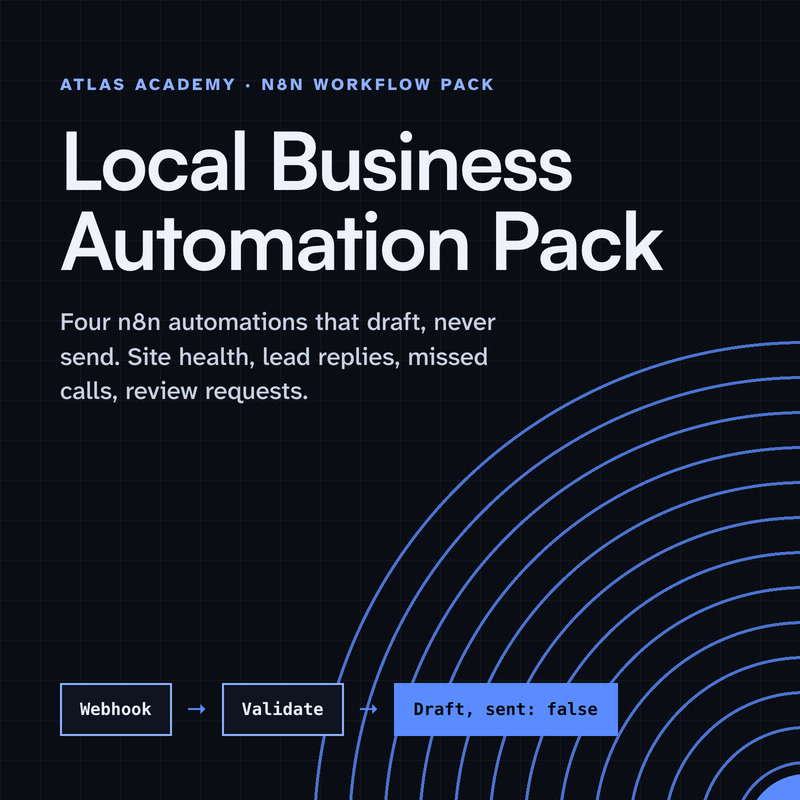
Four n8n automations for a local business that prepare drafts for you to check and send yourself: a site health check, a lead-form reply, a missed-call text-back and a review request, with a guide that explains every node.
- Level
- Some setup: Docker
- Format
- PDF, Files (zip)
- You need
- A computer that can run Docker, about an hour, no programming
Next lesson
Booking Reminders on Autopilot with n8n (Small Business Automation)
All lessons in AI Automation for Small Business
Lesson script
The lesson's script, line by line. The published video's own lines are not on record here, so the video may differ in places.
Create a workflow and add an n8n Form Trigger. It gives you a ready-made form, with its own web address, so you don't have to build a page. No web designer needed.
Add three fields: name, email, and message. Make the email field the email type, so people can't leave it broken.
Like the Webhook, the form has a test address for building, and a production address that works once you publish.
Next, add a Google Sheets node and choose Append Row. Every lead becomes a row, so nothing is ever lost.
Map the form's name, email and message to your sheet's columns. Add a date column too, so you can sort your leads by when they came in.
Quick quiz. Why do we save the lead before sending anything? Comment.
B. If a later step fails, the lead is still saved.
Now the reply. Add a Gmail node, with Message and Send, and connect your Gmail credentials once.
For To, use an expression that picks the email from the form, so each reply goes to the right person.
Keep the message short and honest: thanks, we got your message, and when you'll really answer. Promise only what you can keep.
Pause the video and try it. Write your own first reply,
then send a test lead with your own email. Resume when it arrives.
Last step. Add a Slack node and send yourself a message.
Put the lead's name, email and message in the text with expressions, so you can answer properly from your phone, wherever you are. The automatic reply buys you time; your own answer wins the customer.
If this saves you time, subscribe. More small-business automations are coming in this series.
What makes a good first reply? Start by thanking them by name, with an expression that pulls the name from the form.
Then say what happens next and when, like: we'll answer within one working day. Only promise a time you can really keep.
And give one way to reach a person if it's urgent, like your phone number. A fast, honest answer beats a long one.
Now send a test lead and click through each node to see what went in and out.
When it all works, publish the workflow. Until you do, only the test address listens.
Then share the form's production address on your website, or link to it from a button.
And if a lead ever seems missing, the Executions tab shows every run, with what each node received and what it sent on.
Last quiz. Which form address goes on your website? Comment your answer.
B, the production address. It works once the workflow is published.
Three safety habits. Your Gmail and Google Sheets logins live in n8n Credentials, never typed into a node field.
Only ask for what you need: a name, an email and a message. Less data is less to look after.
And treat anything typed into the form as untrusted text. It's something to read and answer, never an instruction to follow.
Recap. The Form Trigger catches the lead.
Google Sheets saves it first.
Gmail sends a short, honest first reply.
And Slack tells you, so you can answer properly. Every lead, answered fast. Next time: booking reminders that send themselves.