Go deeper
The lead reply and follow-ups from these lessons, as importable n8n workflows that prepare drafts for you to send.
Workflow pack
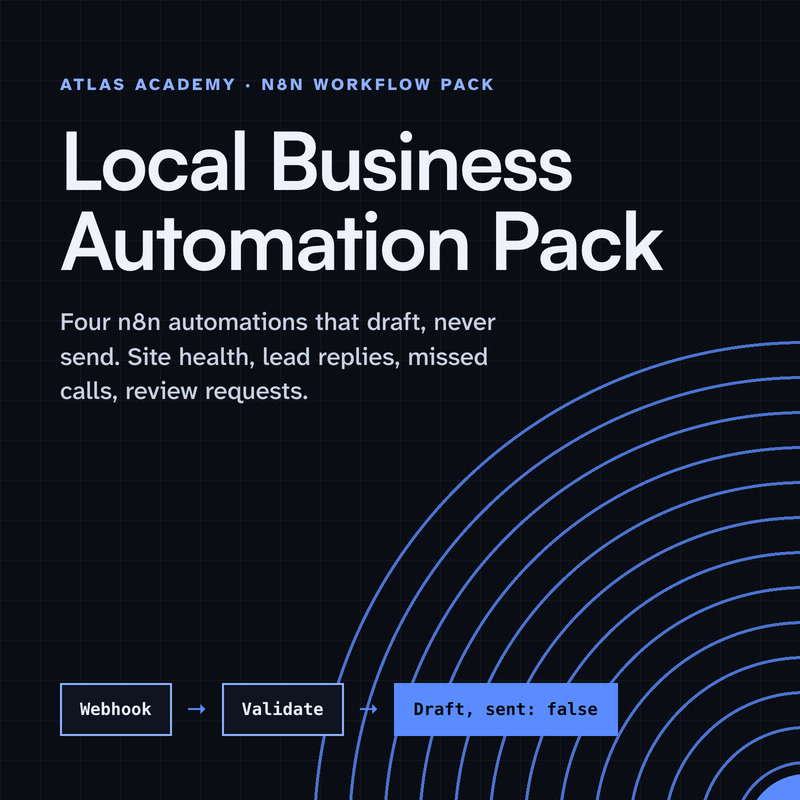
Four n8n automations for a local business that prepare drafts for you to check and send yourself: a site health check, a lead-form reply, a missed-call text-back and a review request, with a guide that explains every node.
- Level
- Some setup: Docker
- Format
- PDF, Files (zip)
- You need
- A computer that can run Docker, about an hour, no programming
Next lesson
Social Post Scheduler with AI Captions in n8n (You Approve Every Post)
All lessons in AI Automation for Small Business
Lesson script
The lesson's script, line by line. The published video's own lines are not on record here, so the video may differ in places.
Why a weekly report? Because when it lands in Slack, everyone sees the same numbers, at the same time.
Nobody has to remember to make it. It just turns up. Even on the week you're on holiday.
And because it has the same shape every week, you start to notice when something changes. Slower than last week? You'll see it without opening the sheet.
Create a workflow, and add a Schedule Trigger with the Weeks interval.
Tick Monday as the weekday, and eight as the hour. That's before most teams start, so it's waiting for them.
Then set the workflow's time zone, so eight in the morning is your eight, not the server's.
Add a Google Sheets node, with Get Rows. It reads every row of your sheet, one item each. Connect your Google account once, in credentials.
You only want last week, so add a Filter node. Pick your date column, as a date, with is after or equal to.
For the value, use today minus seven days. Rows older than that are simply dropped.
Quick quiz. Why do we need the Filter after Get Rows? Comment your answer.
B. Get Rows reads the whole sheet. The Filter keeps only the last seven days, and the sheet itself isn't changed. Nothing is deleted.
Now add a Summarize node. This turns many rows into a few numbers. Most weeks, one or two numbers are plenty. Don't drown people.
Choose Count to count the bookings, or Sum to add up a number column, like hours worked.
Want it per service? Put the service column in Fields to Split By. It works like a group by, if you know spreadsheets.
If this gives you your Monday mornings back, subscribe.
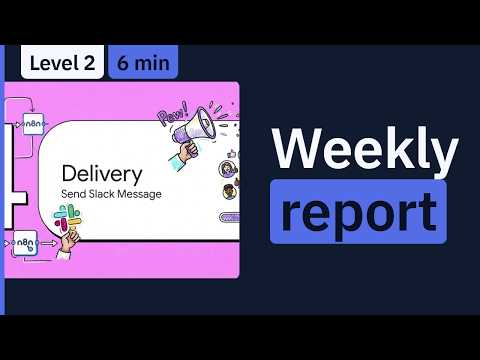
Last step. Add a Slack node, and choose Message, Send.
Connecting Slack needs a Slack app. n8n recommends OAuth2, and the app needs the chat write scope. Installing it may need your workspace admin.
Then write a short message, and drag the numbers in from the Summarize node. That's your report. Keep it to two or three lines, so people actually read it.
Pause the video and add three test rows to your sheet, dated this week.
Run the workflow once by hand, and resume when the message shows up.
Before you trust it, run it by hand and read the message, out loud if you like. Does it make sense to someone new?
Then publish the workflow. A Schedule Trigger only runs a published workflow.
And read the first two Monday reports yourself. If a number looks odd, check the sheet's dates first. A date typed as plain text is the usual culprit.
Last quiz. It worked when you ran it by hand, but nothing came on Monday. Most likely? Comment.
B. The workflow isn't published, so the schedule never fires.
Recap. A Schedule Trigger runs every Monday morning, in your time zone.
Google Sheets reads the rows, and a Filter keeps the last seven days.
Summarize turns them into a count or a sum, split however you like.
And Slack posts the report. Publish it, and your Mondays start with the numbers already there. Next time: scheduling social posts with AI captions that you approve.