Go deeper
An agent you build and run yourself, which picks from a closed list of actions and asks before it acts. Needs some Python.
Course
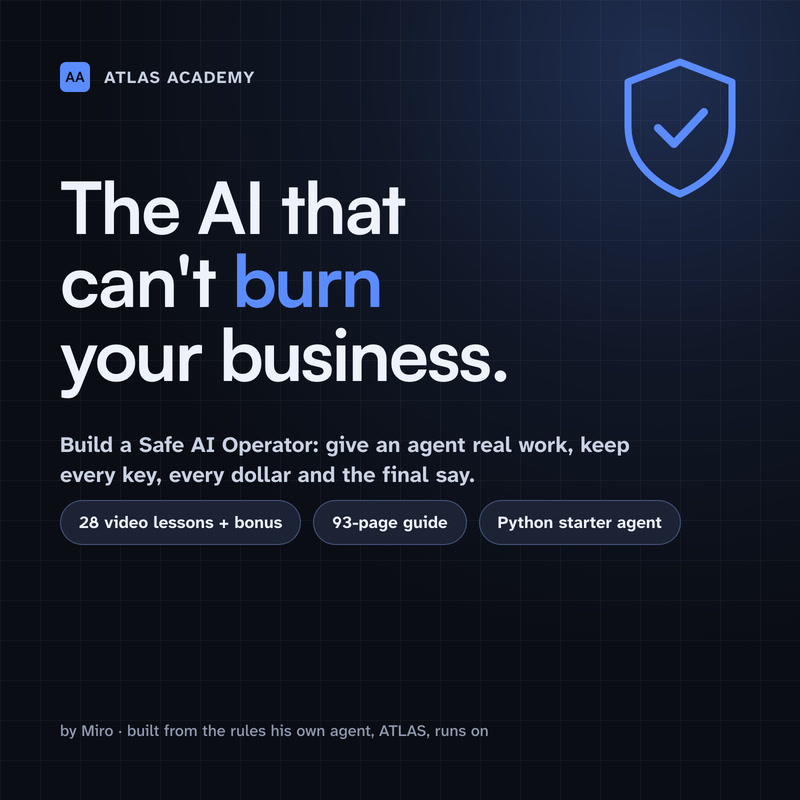
Build an AI agent for your business that picks actions from a closed list you define, waits for your approval on anything you haven't cleared to run alone, and refuses five kinds of action in code: moving money, DNS, deleting, revoking keys and changing itself.
- Level
- Builder: Python
- Format
- Video lessons, PDF, Files (zip)
- You need
- Some Python, or the patience to learn it with Claude beside you
Next lesson
Ollama vs llama.cpp vs vLLM vs NIM vs TensorRT-LLM on DGX Spark
All lessons in Local AI: Hermes Agent on NVIDIA DGX Spark
Lesson script
The lesson's script, line by line. The published video's own lines are not on record here, so the video may differ in places.
We're following NVIDIA's own playbook for this, on build.nvidia.com, slash spark. It's called Run Hermes Agent with a Local LLM.
It serves the model with vLLM, an engine that offers an OpenAI style API, using the recipe NVIDIA lists as agent ready.
You'll want two terminals. vLLM keeps running in one. You work in the other.
First, start vLLM, following the Serve LLMs with vLLM playbook. The model download needs your Hugging Face token. NVIDIA's recommended way starts and stops it from NVIDIA Sync, on your laptop.
Then wait. Nothing works until vLLM says Application startup complete.
Check it with curl on localhost, port eight thousand, slash v1, slash models. You should get a data list with your model in it.
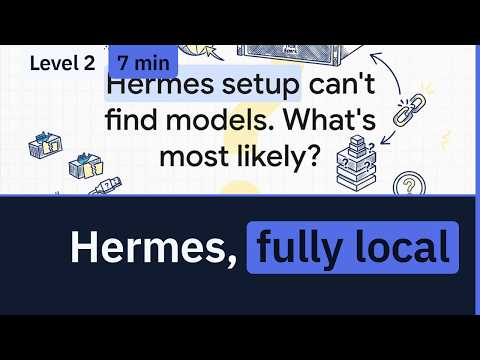
Quick quiz. The Hermes setup can't find any models. What's most likely? Comment your answer.
B. vLLM hasn't finished loading. Watch its terminal for Application startup complete, then try again.
Now Hermes. Install it as in episode two. When setup asks for a provider, choose Custom endpoint.
Give it the base address, localhost, port eight thousand, slash v1. Leave the API key blank: local vLLM doesn't need one. Then pick your model.
Prefer commands? These three config lines do the same. Then ask it to reply exactly HERMES OK. If it says it back, you're wired up.
If you're running AI on your own hardware, subscribe for the rest.
The playbook's Blank Slate setup starts with every tool switched off. Safe, but not much use yet.
Run hermes tools. Pick file operations with the space bar, and press enter.
Now give it a small task, like summing up a text file in your home folder. Only put files there the agent may read.
Pause the video and run the HERMES OK check from the screen.
Then turn on one tool and give it one small task. Resume when it's done.
How do you know it's local? Hermes talks to localhost, and that's the vLLM in your other terminal. Stop vLLM, and Hermes can't answer.
Keep it that way. NVIDIA's advice: don't forward port eight thousand to your network or the internet without strong authentication.
And now and then, read Hermes' session history, so you know what the agent has been doing.
Connection refused? vLLM stopped, or it's still loading. Run docker ps to see the container, then the curl check.
Out of memory, or very slow? Relaunch vLLM with a lower max model length or memory share, or a smaller model.
Then point Hermes at it again with hermes model, and pick the model you're serving now. Same address, new model.
Last quiz. Should you forward port eight thousand to your office network? Comment.
B, no. Not without strong authentication. Keep the model's endpoint on the machine itself.
Recap. vLLM serves the model on the Spark, following NVIDIA's playbook.
The curl check proves it's up, with your model in the list.
Hermes points at the custom endpoint on localhost, with no key.
And port eight thousand stays on the box. Your agent, and your model, on your own desk. Next time: the ways to serve a model on a DGX Spark, and which one to pick.