Practice check
Lab: your first run
Free lab file, no sign-up:
- Do
- Import n8n-first-run.json into a new workflow
- Expect
- Your screen should show: Execute workflow: both nodes green, one message
- Stuck?
- No import? Workflow menu → Import from File
- Challenge
- Add a second field with your name; run it again
Go deeper
The same n8n editor, with ready automations for a local business and a guide that explains every node.
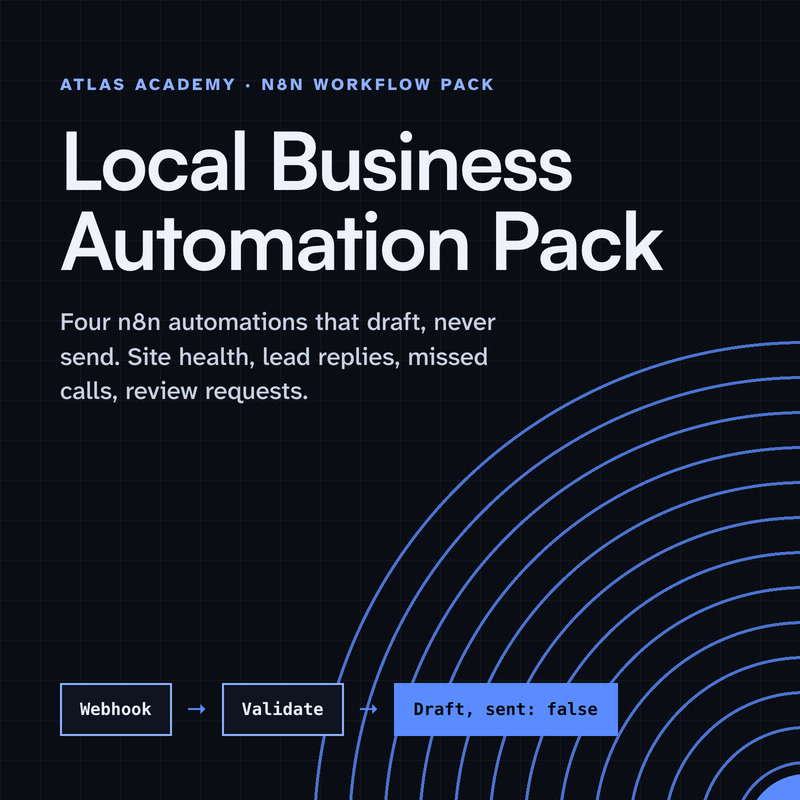
Workflow pack
Four n8n automations for a local business that prepare drafts for you to check and send yourself: a site health check, a lead-form reply, a missed-call text-back and a review request, with a guide that explains every node.
- Level
- Some setup: Docker
- Format
- PDF, Files (zip)
- You need
- A computer that can run Docker, about an hour, no programming
Next lesson
n8n Tutorial for Beginners 2026: Build and Manage Your First Workflow, Step by Step
All lessons in n8n Workflows from Zero
Lesson script
The lesson's script, line by line. The published video's own lines are not on record here, so the video may differ in places.
Automation means the computer does a job for you, instead of you clicking through it by hand.
It follows the same steps, the same way, every time. It doesn't get bored, and it doesn't forget. Unlike most of us on a Monday.
You set it up once, and then it runs by itself, day and night.
Think of a small shop. Every time someone fills in the contact form, the owner copies their details into a spreadsheet and sends a thank-you email. Same few steps, again and again. That's the job automation takes off your hands.
Every automation has two kinds of parts. A trigger is the thing that starts it: a form is filled in, an email arrives, or it's nine in the morning.
Then actions. An action is one task: save a row, send an email, ask an AI to write a reply.
Actions run one after another. Trigger first, then the actions, in order.
Quick quiz. A new email arrives. Is that a trigger or an action? Comment your answer.
It's A, a trigger. It's the thing that starts the run.
n8n is a tool for building these automations, by connecting boxes on a screen instead of writing a whole program.
In n8n, an automation is called a workflow. The docs say a workflow is a collection of nodes that automate a process.
And a node is one step. Some nodes are triggers, and some are actions that talk to your apps.
There are two ways to use n8n. n8n Cloud is fully managed: you sign up and start building, with no setup or maintenance.
Self-hosted means you run n8n on your own server. You get full control, but it takes technical skills to install and look after.
If you're brand new, Cloud is the easy start. We'll cover self-hosting later in this series.
If this is clicking for you, subscribe. Next episode, we build a real workflow together.
Here's the editor, live. Click Build a workflow, and the big empty area is the canvas. That's where you place and connect your nodes.
Click Add first step. A panel opens with every trigger you can choose from. I'll pick Trigger manually.
Then I add an Edit Fields node and run the step before it. Open any node: what came in on the left, its settings in the middle, what comes out in OUTPUT.
And Execute workflow runs the whole thing, so you watch each step turn green. That green never gets old.
Pause the video and try it. Open n8n and create a new workflow,
then click Add first step and scroll through the triggers. Resume when you've had a look.
Two more words. An execution is one run of a workflow. n8n keeps a list of them, so you can see what happened.
And credentials are where n8n keeps your logins for other apps. You add them once, and nodes use them, so passwords never sit inside a node.
Last quiz. Where should your app logins go? Comment your answer.
B, Credentials. Add them once, and the nodes use them.
Your lab. Download the lab file from the description, and import it into a new workflow.
Click Execute workflow. Expect both nodes to turn green, and a hello message in the output.
Stuck? Open the workflow menu and choose Import from File.
Your challenge: add a second field with your own name, and run it again.
Recap. Automation means the computer runs the same steps for you.
A trigger starts it, and actions do the work.
In n8n, a workflow is made of nodes on a canvas.
And you know your way around the editor. Next time: how to build your first n8n workflow.