Practice check
Lab: your own city
Free lab file, no sign-up:
- Do
- Import n8n-city-info.json · send your own city
- Expect
- Your screen should show: Edit Fields: "<your city> is in <its country>"
- Stuck?
- Nothing arrives? Listen for test event first · POST · city-info
- Challenge
- Add a field with the city's time zone
Go deeper
The same n8n editor, with ready automations for a local business and a guide that explains every node.
Workflow pack
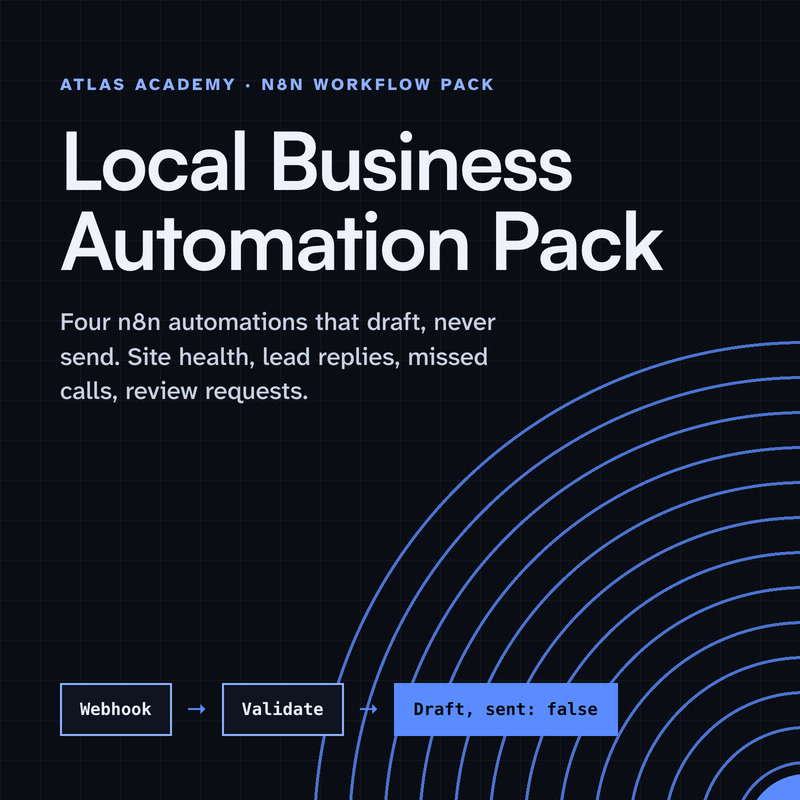
Four n8n automations for a local business that prepare drafts for you to check and send yourself: a site health check, a lead-form reply, a missed-call text-back and a review request, with a guide that explains every node.
- Level
- Some setup: Docker
- Format
- PDF, Files (zip)
- You need
- A computer that can run Docker, about an hour, no programming
Next lesson
n8n Triggers Explained: Schedule, Webhook and App Triggers (Beginner Tutorial)
All lessons in n8n Workflows from Zero
Lesson script
The lesson's script, line by line. The published video's own lines are not on record here, so the video may differ in places.
Three words first. A workflow is the whole automation: steps connected in order, like a recipe. One you never cook twice.
A node is one step that does one job: receive data, call an app, or send a message.
And the trigger is the node that starts each run. Ours is a Webhook: it runs whenever someone calls its web address.
Quick quiz. Which node starts a workflow? Comment your answer before the timer runs out.
It's B, the trigger. Every run starts there.
Let's build it live. Create a workflow, click Add first step, and pick the Webhook trigger.
Set the method to POST and the path to city-info. The path becomes the end of its web address.
Click Listen for test event, and send it a city. Lisbon arrives! The city sits at body, city. Remember that path.
That request was this curl command. It posts a city to the Test URL, which works while you build.
The Production URL takes over once you publish.
Pause the video and try it now. Add the Webhook node,
then send it your own city. Resume when you see the data arrive.
Next, add an HTTP Request node after the Webhook. GET is fine.
For the URL, we use Open-Meteo's free city search. It needs no key, so it's perfect for practice.
Turn on Send Query Parameters, call it name, and set the value to dollar json.body.city. Execute the step, and the answer comes back.
Last, the message. An Edit Fields node builds it from the answer: the city, and the country it's in. In your workflow, the Slack node goes here.
Execute the step, and the message is ready.
Then Execute workflow and send one more city. Every node turns green. And there it is.
For Slack, add a Slack node: Message, then Send, and pick your channel.
Connect your Slack credentials once.
If this is helping, hit subscribe, so you catch the next episode in this series.
Here's the whole workflow as JSON, with Slack as the last node, then the connections.
Save it as a file, then choose Import from File in the workflow menu, and add your own Slack credentials.
Now manage it. Open any node to see what went in and what came out.
If a node turns red, don't worry, it happens to everyone. Open it and read the error. Usually it's a URL, a credential, or an expression pointing at the wrong field.
When it all works, publish the workflow. That's when the Production URL starts listening.
Every real run is saved in the Executions tab, so you can always see what happened.
Last quiz. After you publish, where do you see the real runs? Comment your answer.
B, the Executions tab. Production runs don't show in the editor.
Two safety habits. Keep keys and tokens in Credentials, never in a node field.
And exported JSON includes credential names and IDs, so check it before you share it.
Your lab. Download the lab file from the description, import it, and send your own city to the Test URL.
Expect one line in Edit Fields: your city, and the country it's in.
Stuck? Click Listen for test event first, and check the method is POST and the path is city-info.
Your challenge: add a second field with the city's time zone. It's already in the answer. Find it.
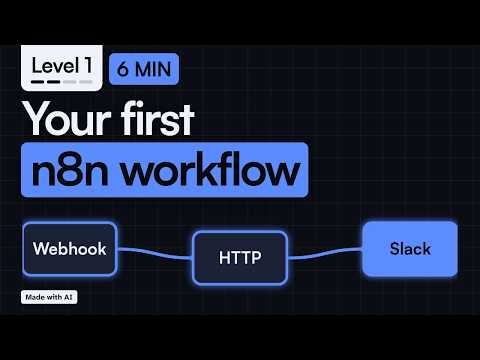
Recap. The Webhook catches the request.
HTTP Request asks the API, with an expression passing the city along.
Slack posts the answer.
And you test, publish, then watch the Executions tab. That's a real automation, and you built it. Next time: the three kinds of trigger in n8n.