Practice check
Lab: when a step fails
Free lab files, no sign-up:
- Do
- Import n8n-when-a-step-fails.json · run it · see red
- Expect
- Your screen should show: Error output on: the run carries on
- Stuck?
- No second path? Pick using error output
- Challenge
- Fix the URL's typo, then add Retry On Fail
Go deeper
The same n8n editor, with ready automations for a local business and a guide that explains every node.
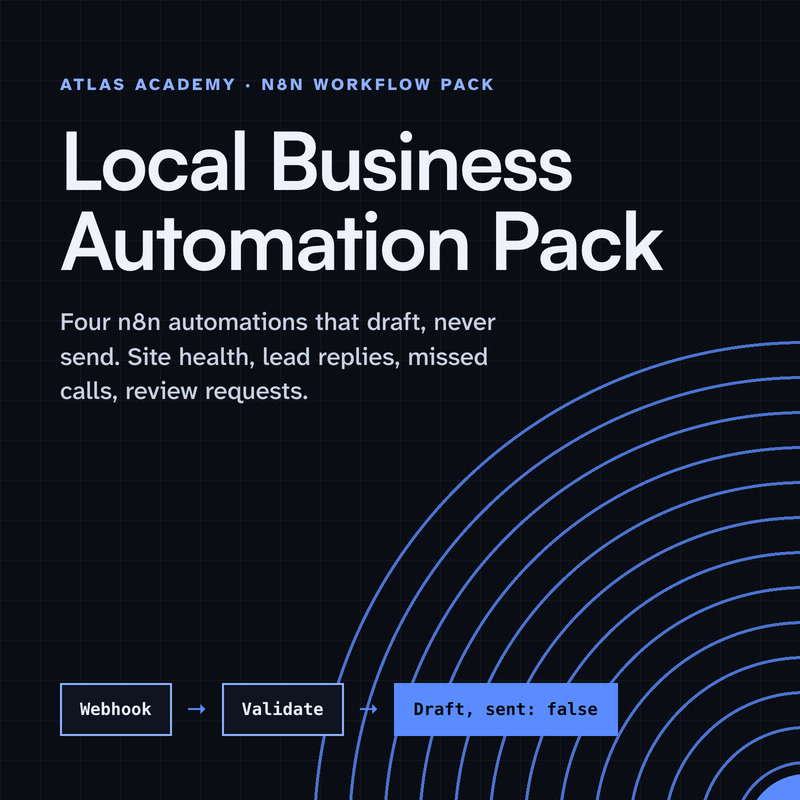
Workflow pack
Four n8n automations for a local business that prepare drafts for you to check and send yourself: a site health check, a lead-form reply, a missed-call text-back and a review request, with a guide that explains every node.
- Level
- Some setup: Docker
- Format
- PDF, Files (zip)
- You need
- A computer that can run Docker, about an hour, no programming
Next lesson
n8n AI Agent Tutorial for Beginners: Tools and Memory, Step by Step
All lessons in n8n Workflows from Zero
Lesson script
The lesson's script, line by line. The published video's own lines are not on record here, so the video may differ in places.
First, why do they fail? Often it's the data: a field is empty, or not what the next node expects.
Sometimes the other side is down. The API doesn't answer, so the node can't finish.
And sometimes a login runs out, and the app says no. By default, any of these stops the whole run, right there.
The gentlest fix is a retry. Open the node, and go to its settings.
Turn on Retry On Fail. When the node fails, n8n runs it again, until it works.
That's perfect for an app that's busy for a moment. It won't fix bad data, though. Wrong data stays wrong, however often you try.
Next to it is On Error. Stop Workflow is the default: the run halts at this node.
Continue carries on to the next node anyway, using the last data that worked.
And Continue, using error output, gives the node a second path. Failures go down it, so you can handle them your way.
Quick quiz. You want the items that fail to go somewhere else, like a list to check by hand. Which setting? Comment your answer.
C. Continue, using error output. Failures get their own path.
If this saves you a bad morning, subscribe.
For the failures you didn't plan for, use an error workflow. It's a separate workflow that starts with the Error Trigger node.
When a linked workflow fails, the Error Trigger gets the details: which workflow, and what went wrong.
Add a Slack node, send a message, and drop those details in. Now you hear about it before your customer does.
Now link them. Open the workflow you want to watch.
Go to its settings, and find Error workflow.
Pick the one you just built, and save. The error workflow itself doesn't need publishing. And to make a run fail on purpose, say when an order has no email, add a Stop And Error node with your own message.
Pause the video and build a tiny error workflow: an Error Trigger, and one message to yourself.
Then link it from one real workflow. Resume when it's saved.
Last quiz. You test by hand, it fails. Does your error workflow send the alert? Comment.
B, no. The Error Trigger only runs when an automatic run fails, so you can't test it by clicking.
One failure slips past all three. If the trigger stops, or the workflow is off, it never starts. Nothing fails, so nothing tells you.
So build a watcher: a second workflow, on a schedule, that asks the n8n API when yours last started.
Too long ago? It sends one alert, then stays quiet.
When yours runs again, one message: it's back. The watcher is a free file in the description.
Your lab. Download the lab file from the description, import it, and run it. The HTTP Request goes red, on purpose.
Set its On Error to Continue, using error output, and run again. Expect the run to carry on, with the error on the second path.
Stuck? If no second path appears, you picked plain Continue. Choose the one that says using error output.
Your challenge: find the typo in the URL, fix it, and turn on Retry On Fail.
Recap. Retry On Fail runs a node again when it fails.
On Error decides the rest: stop, carry on, or send failures down their own path.
An error workflow starts with the Error Trigger, and tells you what broke.
And it only fires on automatic runs. One failed step doesn't have to stop everything any more. Next time: building your first AI agent in n8n, with tools and memory.