Practice check
Lab: your first agent
Free lab file, no sign-up:
- Do
- Import n8n-first-agent-starter.json · add AI Agent, model, Calculator
- Expect
- Your screen should show: Intermediate steps show a Calculator call
- Stuck?
- No prompt specified? Prompt: Define below
- Challenge
- Add Simple Memory, then ask a follow-up
Go deeper
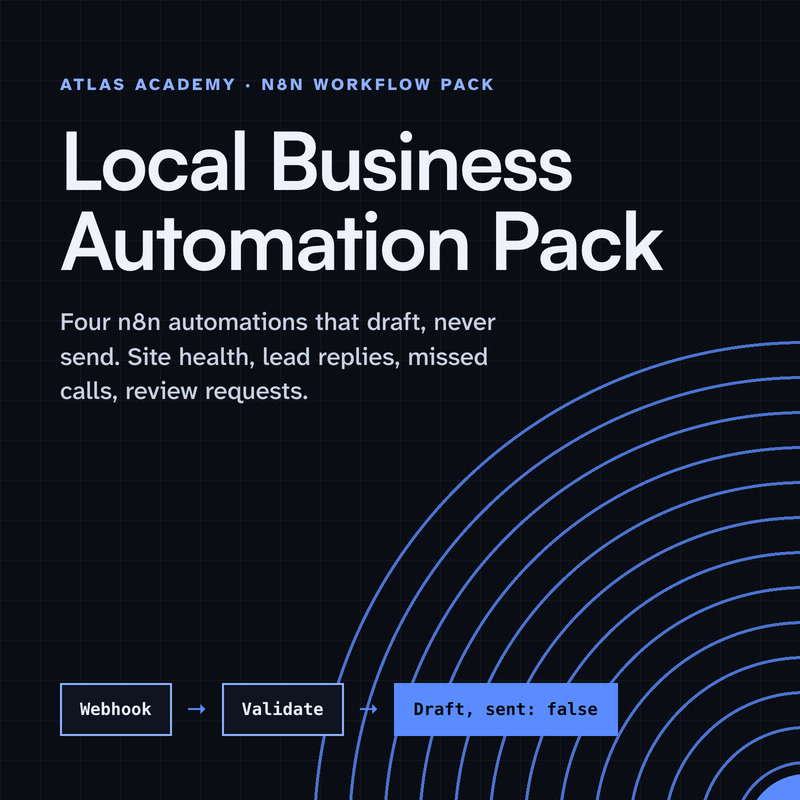
The same n8n editor, with ready automations for a local business and a guide that explains every node.
Workflow pack
Four n8n automations for a local business that prepare drafts for you to check and send yourself: a site health check, a lead-form reply, a missed-call text-back and a review request, with a guide that explains every node.
- Level
- Some setup: Docker
- Format
- PDF, Files (zip)
- You need
- A computer that can run Docker, about an hour, no programming
Next lesson
n8n Webhooks and APIs Deep Dive: Connect Any App
All lessons in n8n Workflows from Zero
Lesson script
The lesson's script, line by line. The published video's own lines are not on record here, so the video may differ in places.
Here are the pieces. A Chat Trigger, where your messages come in. It's made for chatbots. And while you build, you can chat with it right inside n8n.
Then the AI Agent node. It's the one that decides what to do with each message.
And under the agent hang its sub-nodes: a chat model, one or more tools, and memory.
Create a workflow and add a Chat Trigger.
After it, add the AI Agent node.
Under the agent, click the plus for Chat Model, pick the provider you use, and add your credential once. The model does the thinking; the agent decides how to use it.
Next, click the plus for Tool, and add the Calculator. It lets the agent do real maths, instead of guessing.
An AI Agent needs at least one tool connected. Without one, it won't run.
You don't tell it when to calculate. It decides, from your question.
Quick quiz. Your AI Agent has a chat model, but no tool at all. What happens? Comment your answer.
B. It needs at least one tool connected before it works.
Now memory. Click the plus for Memory, and add Simple Memory. It keeps the chat history inside your workflow.
Context Window Length is how many earlier messages it looks back at. A small number keeps it focused on the recent chat.
n8n suggests connecting the Chat Trigger and the agent to the same memory. One heads-up: Simple Memory isn't for queue mode.
If you're building your first agent with me, subscribe.
Pause the video and add the agent, your chat model and the Calculator,
then hang Simple Memory under it. Resume when they're all connected.
Open the chat and ask it a multiplication. Watch it call the Calculator, and answer.
Then ask a follow-up, like: and times two? If memory works, it knows what you mean. Without memory, it would have no idea.
Seeing a Chat Model sub-node must be connected? Open the agent and click the plus for Chat Model.
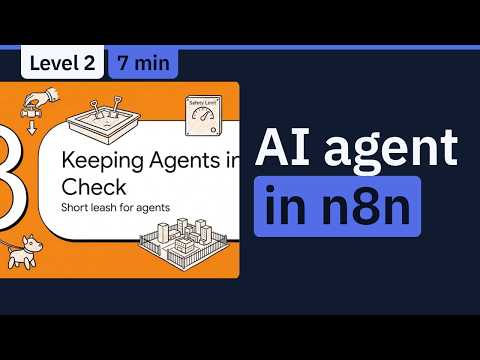
Before you give an agent real jobs, keep it on a short leash. Give it only the tools it needs.
Max Iterations caps how many times the model runs per question. The default is ten.
And for a tool that sends or changes things, n8n can ask a person to approve first. Denied means it doesn't run. The review can even happen in a different channel from the chat.
Last quiz. One tool sends emails to customers. How do you stay in control? Comment.
B. Require approval for that tool. If you deny it, nothing is sent.
Your lab. Download the starter file from the description, and import it. After Question, add an AI Agent, your chat model, and the Calculator.
Turn on Return Intermediate Steps in the agent's options, and run it. Expect a Calculator call in the output.
Stuck on no prompt specified? Set Prompt to Define below, and drag in the chat input field.
Your challenge: add Simple Memory, and make it answer a follow-up question.
Recap. A Chat Trigger sends messages to the AI Agent node.
The agent needs a chat model, and at least one tool it can choose.
Simple Memory lets it follow a conversation.
And Max Iterations and approvals keep it in check. You've built your first agent. Next time: webhooks and APIs in n8n, so you can connect almost any app.