Practice check
Lab: your own API
Free lab file, no sign-up:
- Do
- Import n8n-your-own-api.json · Listen · open …?city=Lisbon
- Expect
- Your screen should show: Your browser shows: Lisbon is in Portugal
- Stuck?
- Nothing back? Listen first, then call within 2 min
- Challenge
- Add Header auth to the Webhook
Go deeper
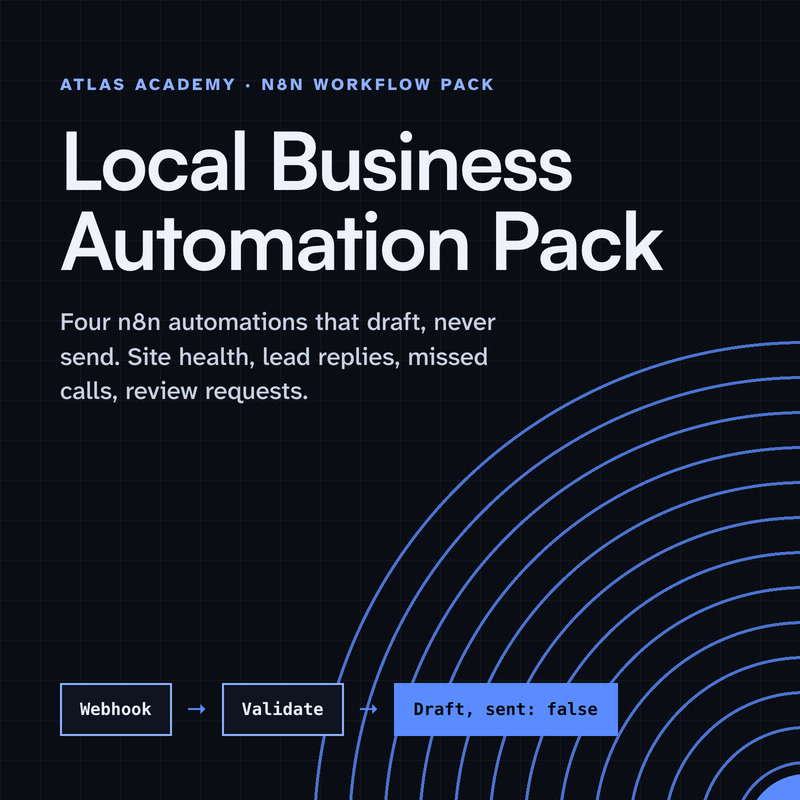
The same n8n editor, with ready automations for a local business and a guide that explains every node.
Workflow pack
Four n8n automations for a local business that prepare drafts for you to check and send yourself: a site health check, a lead-form reply, a missed-call text-back and a review request, with a guide that explains every node.
- Level
- Some setup: Docker
- Format
- PDF, Files (zip)
- You need
- A computer that can run Docker, about an hour, no programming
Next lesson
Self Host n8n with Docker for Beginners (Free, Step by Step)
All lessons in n8n Workflows from Zero
Lesson script
The lesson's script, line by line. The published video's own lines are not on record here, so the video may differ in places.
Two directions. A Webhook is a trigger: another app calls its web address, and your workflow starts.
HTTP Request goes the other way. n8n calls an app's API, to fetch data or send it.
Put them together, and anything with a REST API can join a workflow, even without its own node.
Add a Webhook node and pick the method. GET to ask for something, POST to send data.
The path is random to start with. Give it a readable one, like city lookup. Each path and method pair can only be used once.
There are two addresses. The test one, while you build, and the production one, which only works once you publish. Its runs show up under Executions, not on the canvas.
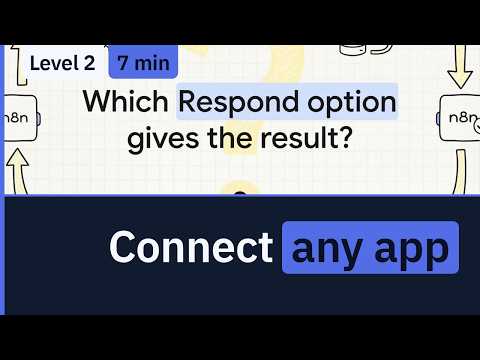
Next, Respond. Immediately sends back a short note that the workflow started, and that's all.
When Last Node Finishes sends back what your last node produced.
Or add a Respond to Webhook node, and shape the answer yourself.
Quick quiz. The app calling you wants the result, not just a thank you. Which Respond option? Comment.
B. When Last Node Finishes. Immediately only says it started.
Now the other way. In an HTTP Request node, set the method and the URL from the API's docs.
Query parameters are filters, like name equals Lisbon.
Headers carry extra details about the request.
And when you send data, turn on Send Body and choose JSON.
If this opens up a few apps for you, subscribe.
Most APIs want to know who you are. If n8n already knows the app, pick Predefined Credential Type. n8n recommends it.
If not, use a generic one. Header auth sends a header name and its value.
Query auth adds one key to the address. Either way, you save it once, as a credential.
Here's the shortcut. Most API docs show curl examples. Copy one.
In the HTTP Request node, choose Import cURL, paste it, and import. Method, headers, body, all filled in.
Two things to know. It replaces what was in the node, and numbers come in as text, so check them.
Pause the video and find a curl example in the docs of an app you use.
Import it into an HTTP Request node, look at what it filled in, and resume.
Last quiz. You call the test address, and nothing happens. Most likely? Comment.
B. Click Listen for test event first. The test address only listens for two minutes.
Your lab. Download the lab file from the description and import it. Open the Webhook, click Listen for test event, then open its test address with question mark city equals Lisbon.
Expect your browser to show: Lisbon is in Portugal. Your workflow just answered like an API.
Stuck? If nothing comes back, click Listen again, and call it within two minutes.
Your challenge: make the Webhook ask for Header auth, so only callers with the right header get in.
Recap. A Webhook lets other apps start your workflow.
Respond when the last node finishes, and the caller gets your result.
HTTP Request calls any API: method, address, query, headers and body.
And Import cURL fills it in from the docs. Any app with an API can join your workflows now. Next time: running n8n yourself with Docker, for free.