Go deeper
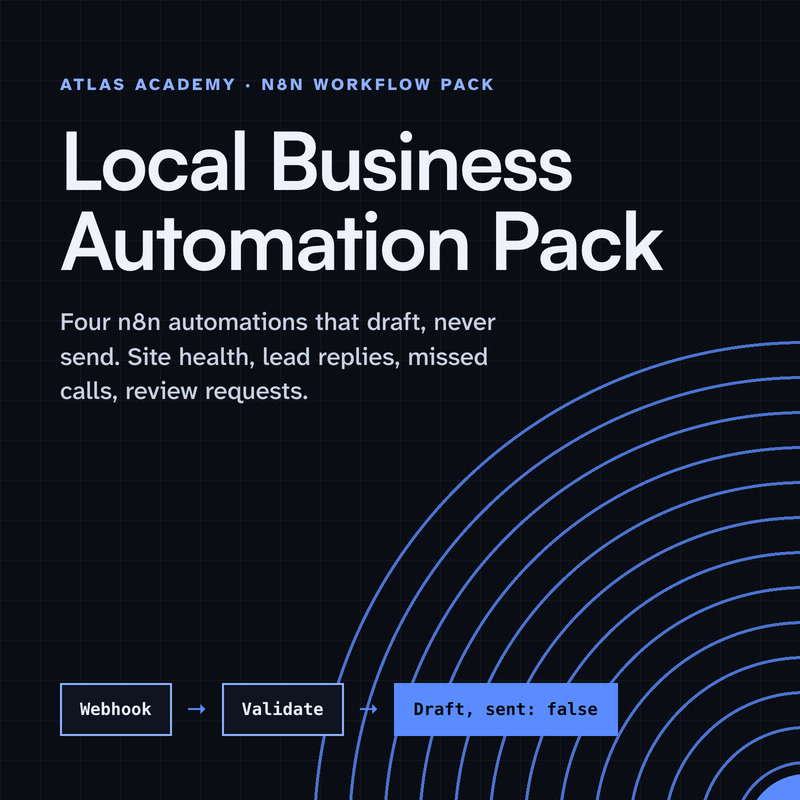
Claude drafts, n8n runs the steps, a person checks: the pack applies that pattern to four everyday business tasks.
Workflow pack
Four n8n automations for a local business that prepare drafts for you to check and send yourself: a site health check, a lead-form reply, a missed-call text-back and a review request, with a guide that explains every node.
- Level
- Some setup: Docker
- Format
- PDF, Files (zip)
- You need
- A computer that can run Docker, about an hour, no programming
Next lesson
Write Your Own MCP Server and Plug It into an n8n Workflow
All lessons in Build a Real Project: Claude + n8n
Lesson script
The lesson's script, line by line. The published video's own lines are not on record here, so the video may differ in places.
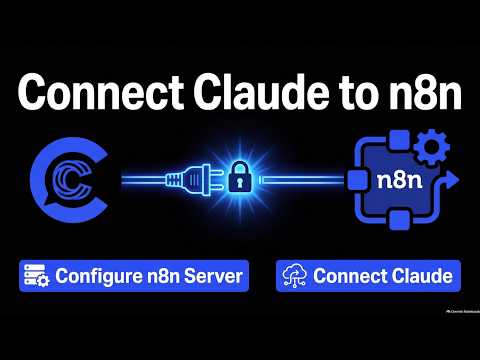
In n8n, there's a node called the MCP Server Trigger. The docs say it lets n8n act as an MCP server, so MCP apps like Claude can use your n8n tools and workflows.
It's a different kind of trigger. It doesn't pass data to a next node. It only connects to tool nodes, and runs them when they're called.
And the tools are what you attach to it. To offer a whole workflow as a tool, you use the Custom n8n Workflow Tool node.
Create a new workflow and add the MCP Server Trigger as its first node. Its path is a random string by default, which is fine to keep.
Attach a Custom n8n Workflow Tool, and point it at the workflow that saves a request.
Give the tool a clear name and description, like: save a customer request. That description is how Claude knows when to use it, so write it for a stranger. A stranger who reads very literally.
Then pick authentication. The node offers none, bearer or header auth. Use one, and keep the token in n8n's credentials.
Quick quiz. What tells Claude when to use your tool? Comment your answer.
It's A, the tool's description. Make it short and clear.
Like the Webhook, the MCP Server Trigger has two addresses. The test one works while you build, and you can watch the calls in the editor.
The production one is registered when you publish the workflow. Its runs show up in the Executions tab.
It talks over the web, with streamable HTTP or SSE. It does not support stdio, so Claude connects to it as a remote server.
If you're building along, subscribe. Next episode, we write our own MCP server and plug it into a workflow.
Publish the workflow, then copy the production address from the node. Not the test one.
In your terminal, run claude mcp add, transport http, a name like n8n, then the address.
Pass your token with the header option, so Claude Code sends it on every call. Never paste the token into a chat.
Then run claude mcp list and look for Connected. There it is. For Claude Desktop, n8n's docs show a small bridge called mcp-remote instead.
Pause the video and try it. Publish your MCP workflow,
then add it with claude mcp add and check for Connected. Resume when it is.
MCP works the other way too. The MCP Client Tool node lets n8n use the tools of an outside MCP server.
You attach it to an AI agent inside n8n, so the agent can call those tools while it works.
And you choose which tools it sees: all of them, only the ones you select, or all except some. Fewer tools is safer, and it also helps the agent pick the right one.
Last quiz. Which node makes n8n an MCP server? Comment your answer.
B, the MCP Server Trigger. The Client Tool uses someone else's.
Recap. The MCP Server Trigger, with a workflow tool attached, makes n8n a server.
Give each tool a clear name and description.
Turn authentication on, and keep the token in credentials.
Then add it with claude mcp add, and check for Connected. Ask Claude to log a test request, approve the tool call, and watch the row appear. Next time: writing your own MCP server and plugging it into an n8n workflow.