Go deeper
Claude drafts, n8n runs the steps, a person checks: the pack applies that pattern to four everyday business tasks.
Workflow pack
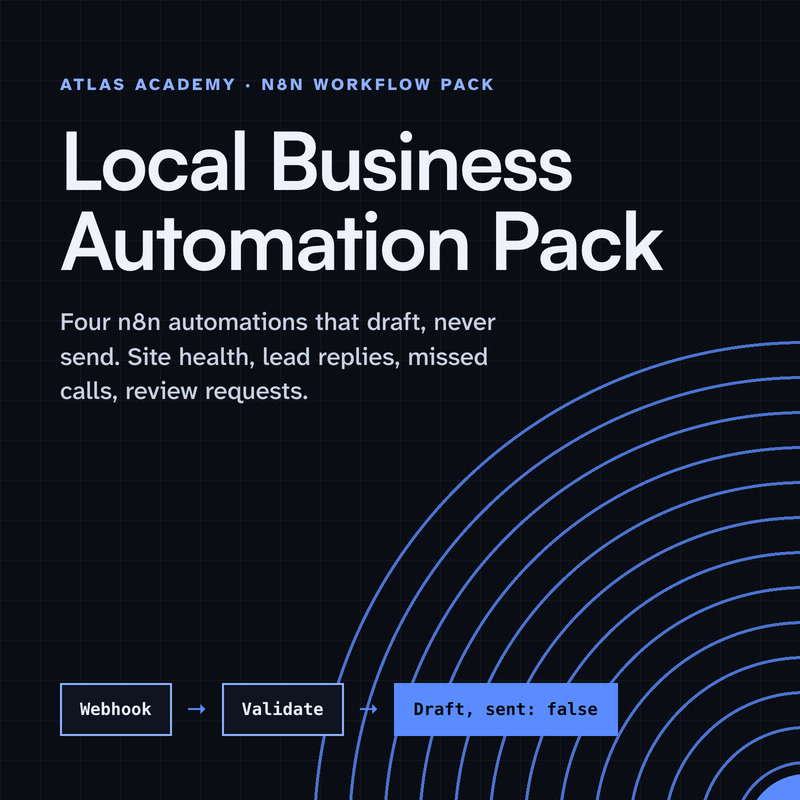
Four n8n automations for a local business that prepare drafts for you to check and send yourself: a site health check, a lead-form reply, a missed-call text-back and a review request, with a guide that explains every node.
- Level
- Some setup: Docker
- Format
- PDF, Files (zip)
- You need
- A computer that can run Docker, about an hour, no programming
Next lesson
Add a Custom Claude Skill to a Real Project
All lessons in Build a Real Project: Claude + n8n
Lesson script
The lesson's script, line by line. The published video's own lines are not on record here, so the video may differ in places.
Our assistant drafts replies to customers, and one question comes up again and again: are you open on Saturday?
We don't want the model guessing that. We want the answer from one place we control.
So our server gets exactly one tool, called opening hours. You give it a day, it gives back that day's hours. And if a day isn't listed, it says ask a person, so it never makes one up.
Open a terminal and make a new project with uv init, called shop info.
Then add the official MCP Python SDK, with uv add mcp, and the cli extra in square brackets. That extra gives you the mcp command, for testing.
Create a file called server.py. That's where the code goes.
At the top, import MCPServer from the SDK, and give the server a name: shop info.
Next, our data: a small table of days and hours. Put your own in.
The decorator, mcp.tool, turns a normal Python function into a tool. Its docstring tells the model what it does.
And the last lines start it, with the streamable HTTP transport, so other apps can reach it over a URL.
Quick quiz. If you call mcp.run with no transport at all, what does it use? Comment your answer.
B, stdio. That's why we ask for streamable HTTP by name.
Start it with uv run server.py.
By default it listens on your own machine, port eight thousand, at the path slash mcp. Printing to the terminal is fine here; only stdio servers must keep quiet.
To check it before n8n, run mcp dev. It opens the MCP Inspector, where you can call opening hours by hand. That part needs Node.
If you're building along, subscribe, so you don't miss a step.
Now n8n. In the project's workflow, add the MCP Client node. It uses an MCP tool as a normal step.
Set Server Transport to HTTP Streamable.
Paste your server's address into MCP Endpoint URL. The tool list is fetched from the server for you.
Pick opening hours, set the day to Saturday, and run the step. There's your answer, from your own code.
Pause the video, start your server,
and call opening hours once from the Inspector. Resume when it answers.
One thing trips people up: can n8n reach your server? By default it listens on 127.0.0.1, which means this machine only. Host and port are options you pass to run.
If n8n runs somewhere else, like in the cloud, it can't see your laptop. Run the server on a machine it can reach.
And if you'd rather give the tool to an AI agent, use the MCP Client Tool node instead.
Last quiz. You want an AI Agent in n8n to use your tool. Which node? Comment.
B, the MCP Client Tool node. The plain MCP Client is for normal steps.
Recap. Our server has one tool, with one job: opening hours.
We wrote it with MCPServer and the tool decorator from the official SDK.
We ran it over streamable HTTP, so it has a URL.
And n8n calls it with the MCP Client node. Our assistant now asks our code, instead of guessing. Next time: adding a custom Claude skill to our assistant.