Go deeper
Claude drafts, n8n runs the steps, a person checks: the pack applies that pattern to four everyday business tasks.
Workflow pack
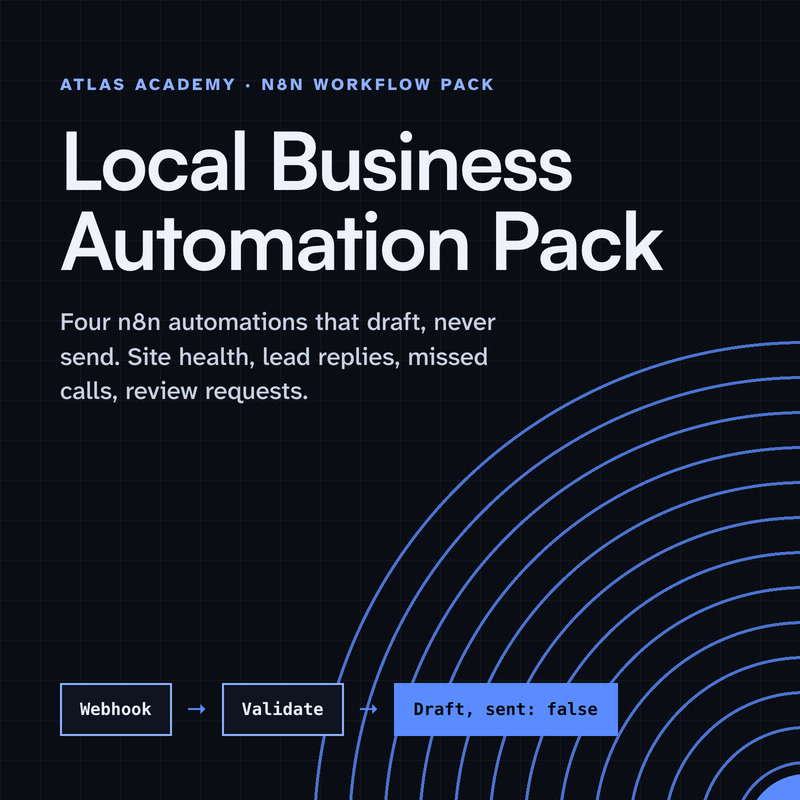
Four n8n automations for a local business that prepare drafts for you to check and send yourself: a site health check, a lead-form reply, a missed-call text-back and a review request, with a guide that explains every node.
- Level
- Some setup: Docker
- Format
- PDF, Files (zip)
- You need
- A computer that can run Docker, about an hour, no programming
Next lesson
Test, Handle Errors and Go Live: Claude + n8n Project
All lessons in Build a Real Project: Claude + n8n
Lesson script
The lesson's script, line by line. The published video's own lines are not on record here, so the video may differ in places.
Why a skill, and not just a longer prompt? Because a prompt has to be pasted every single time. And sooner or later, someone forgets.
A skill is written once. Claude always sees its description, and loads the rest only when a reply is needed. So it costs almost nothing until it's used.
And it lives in the project. Commit it, and everyone working on the assistant gets the same rules.
Here it is, in.claude, skills, customer reply. The name and description go at the top. The description covers emails, forms and leads.
Rule one: for hours, call the opening hours tool from our own server. Never guess.
Rules two and three: short, warm, signed by the team, and no promises about refunds, discounts or dates.
Rule four: log it with our n8n tool, then show us the draft. Nothing is sent by Claude. Claude only drafts. You decide what goes out.
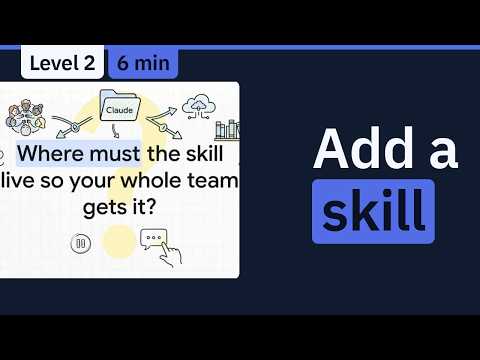
Quick quiz. Where must the skill live so your whole team gets it? Comment your answer.
B. In the project, committed. It travels with the code. A new teammate gets it on day one.
If you're building this assistant with me, subscribe, so you catch every part.
Now test it. Paste a real-looking customer message, asking if you're open on Saturday, and say: reply to this.
Check the draft against the rules. Did Claude call the hours tool? Is it short? Is it signed by the team? If it misses a rule, make that line clearer, or move it higher up.
You can also run it by name, with slash customer reply. Same rules, every time.
Pause the video and save the skill in your project. Copy the rules from the screen.
Test it with one made-up customer message. Resume when you have a draft. Try one that asks about Saturday.
Now, keeping it useful. Write one rule per line, so you can check a draft against it in seconds.
Put the most important rules near the top. When a long chat gets compacted, Claude may keep only the start of a skill.
And if you want sample replies, put them in an examples file next to SKILL.md, and mention it. Claude opens it only when needed. Keep SKILL.md itself well under five hundred lines.
One more thing. A skill guides Claude, but Claude applies it with judgement. For tone and wording, that's exactly what you want.
If a rule must hold every single time, the docs say move it into a hook, which runs on every event. Hooks get their own episode.
And for our assistant, the last rule is always you: a person approves before anything goes to a customer.
Last quiz. A rule must hold every single time, no exceptions. Skill or hook? Comment.
B, a hook. It runs on every event, whether or not Claude follows the skill.
Recap. Our assistant now has one project skill, customer reply.
Its rules: real hours, short and warm, no promises, and log every request.
We tested it by asking, and by running it by name.
And anything that must hold every time belongs in a hook. Every draft now sounds like your business. Next time: testing our assistant, handling errors, and going live.